The underside of planetary maps
Le dessous des
cartes planétaires
Benoît Seignovert
Unité d'Appui à la Recherche de l'OSUNA (UARO)
Séminaires LPG | Nantes | 2026-03-19
slid.es/seignovert/lpg-map
doi: pending…NASA/NOAA/R. Stöckli
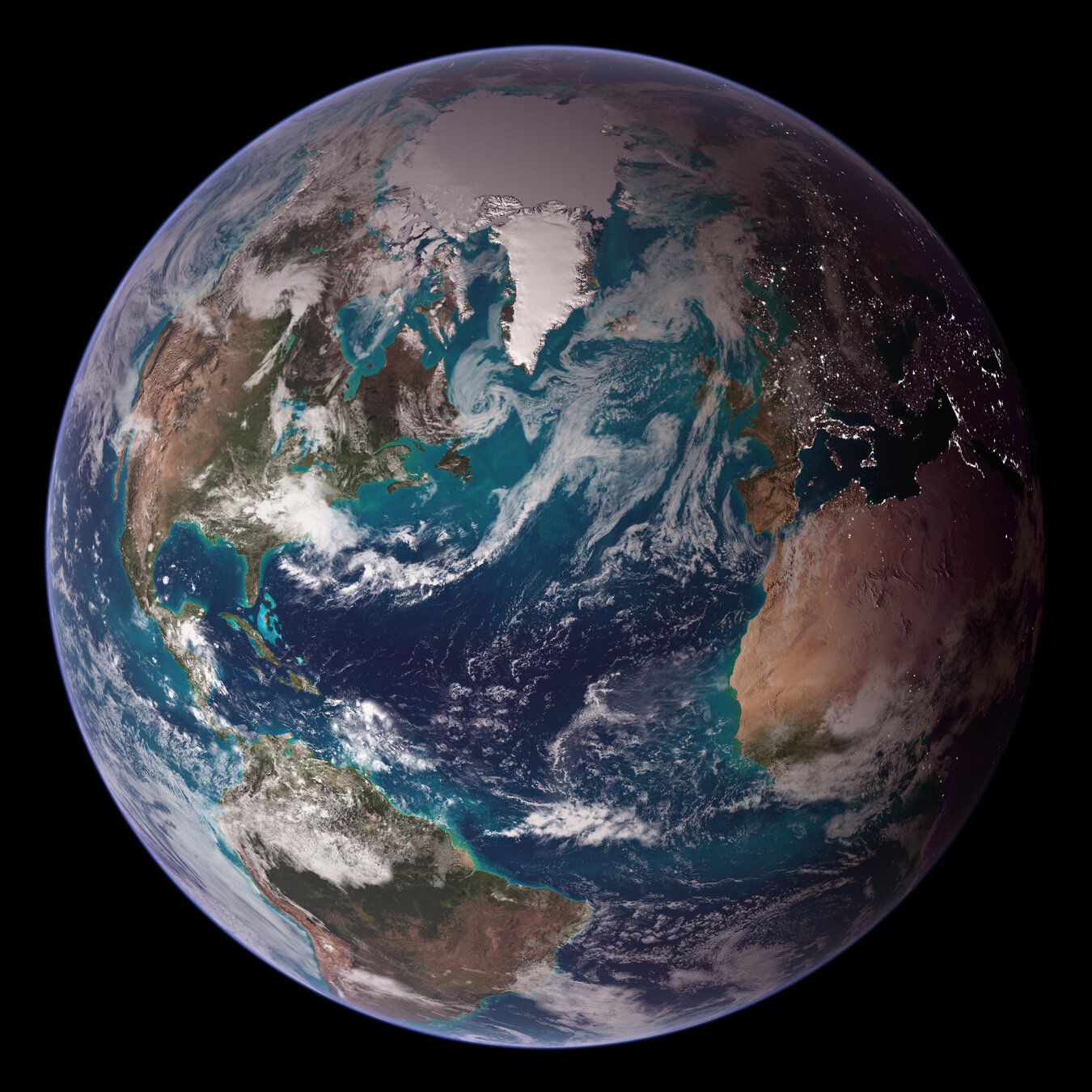


LPGMAP
wooclap.com
References:
- Twitter 4 PB / yr | 500 PB total (1, 2) [2024]
- Netflix 3 PB (1) [2013] - 20 GB x 15,000 movies -> 300 TB (2)
- Google Search 62 PB [2021] (1)
- Facebook 250 PB/yr (1)
- Youtube 250 PB/yr (1)
- Google photos 2e12 pictures in 2025 (7) - 4e12 pictures in 2020 (wiki)
- What app 7e9/day -> 2e12/yr pictures in 2023 (7)
- Number of smartphone in the world in 2025 : 7.4e9 (8) with 2,000 pictures on average (7) -> 15e12 pictures
Building maps
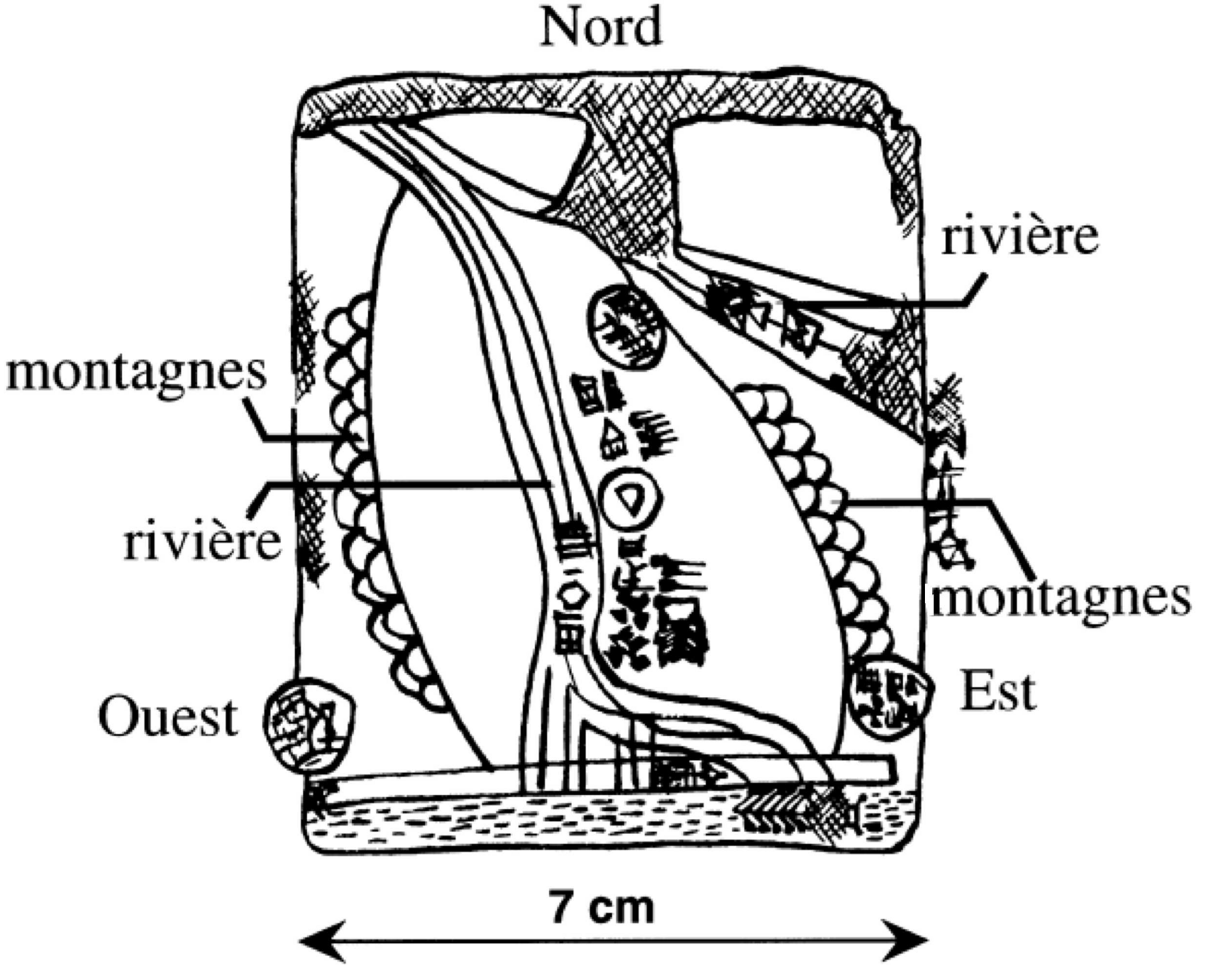
Sumerian map | -2500
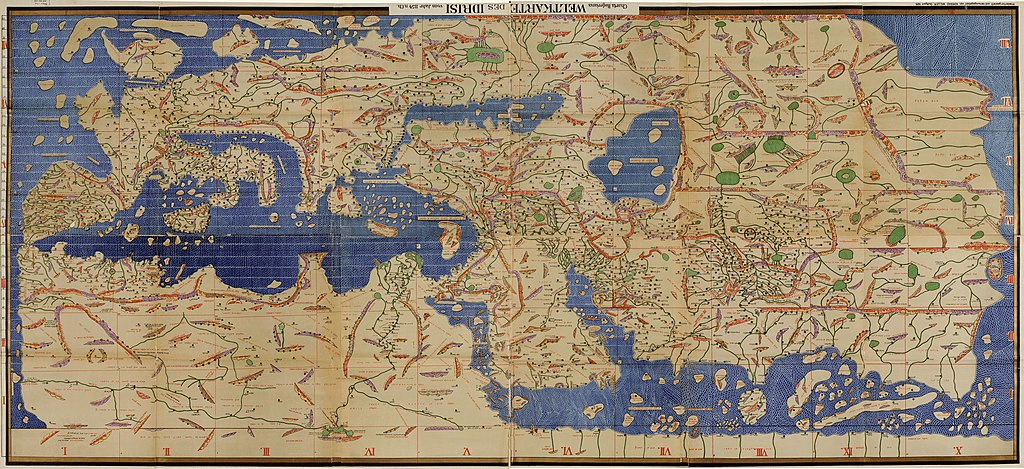
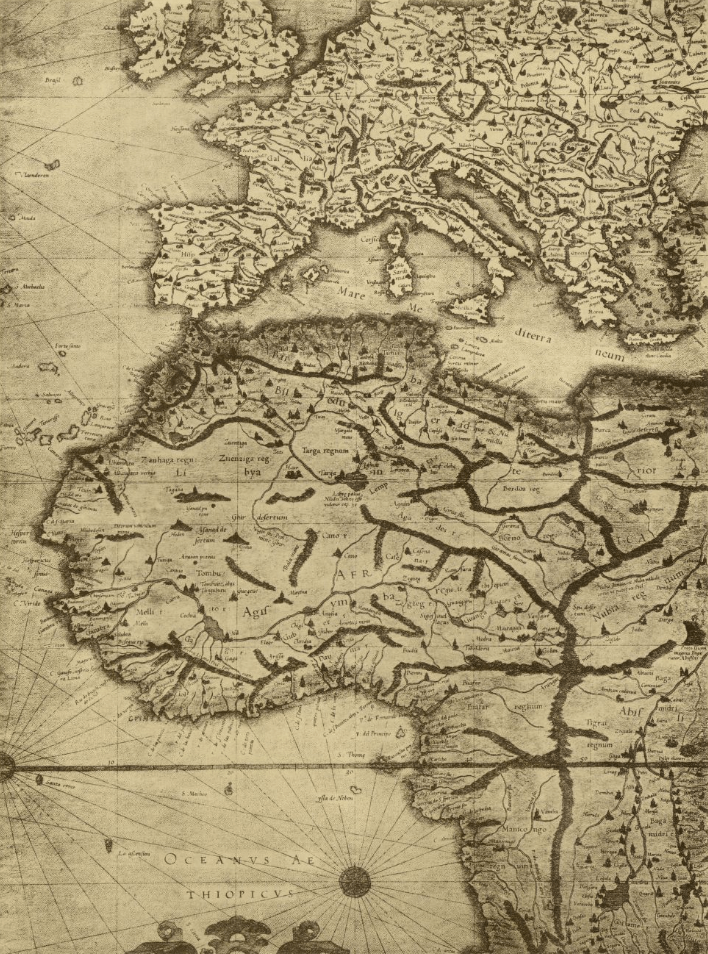
Tabula Rogeriana | 1154
a multi-millennial story
70 sheets
Global vs. local
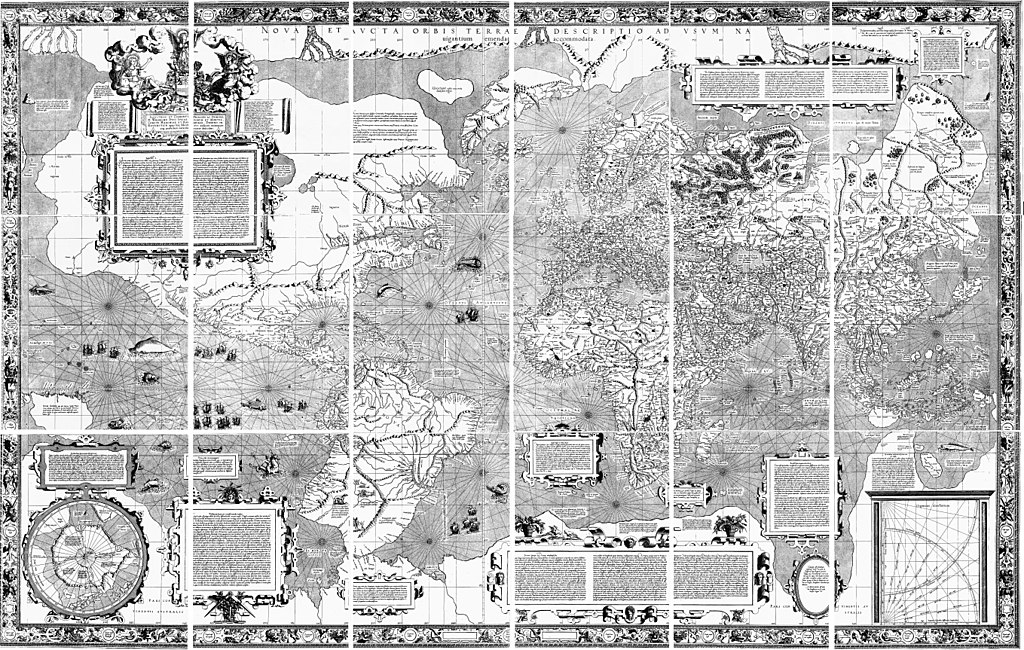
Mercator map
1569
18 sheets
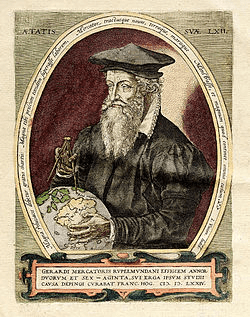
1.2 m x 60 cm
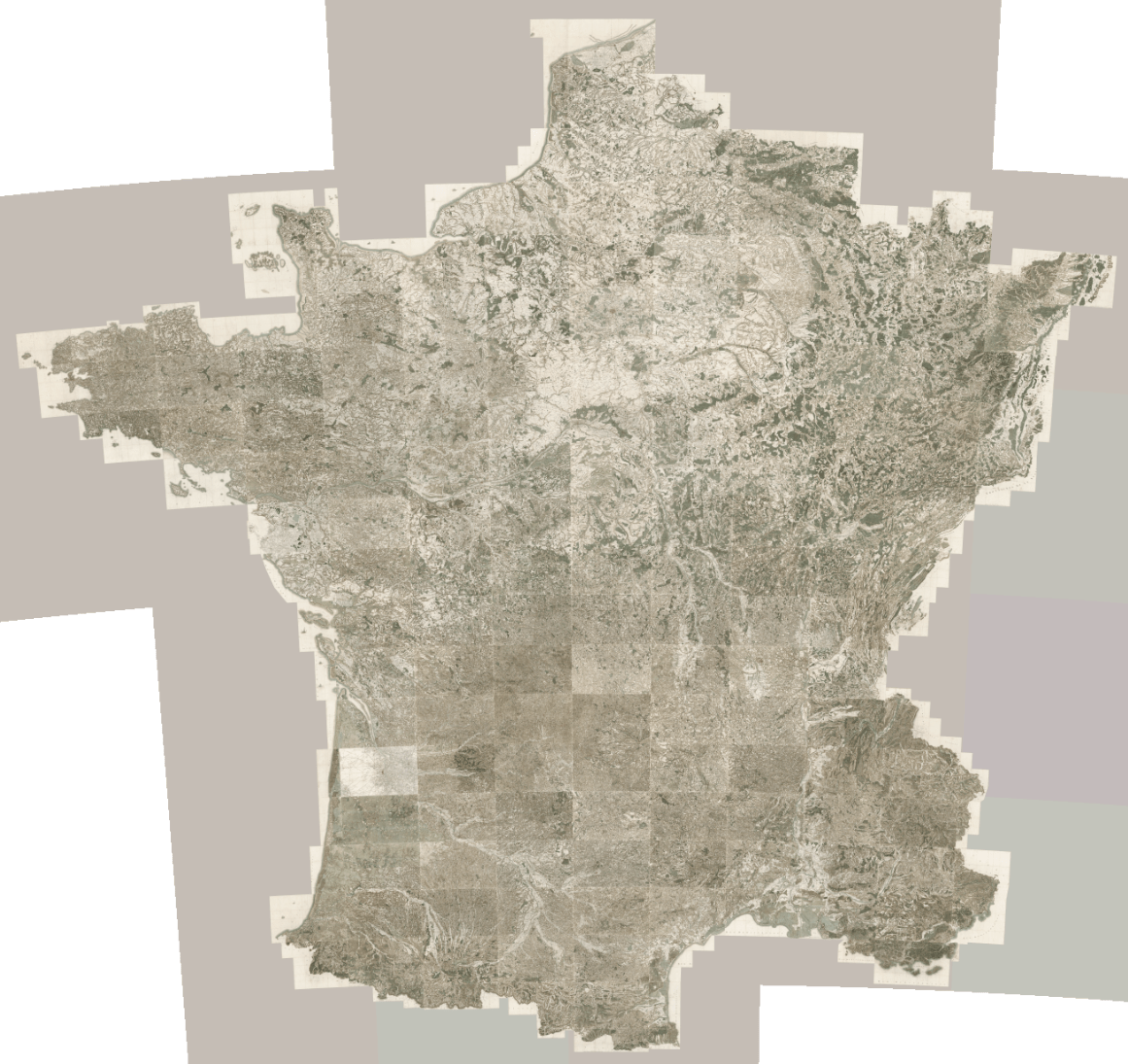
Cassini map
1756 - 1815
(4 generations!)
181 sheets at 1:86 400
11 m x 11 m
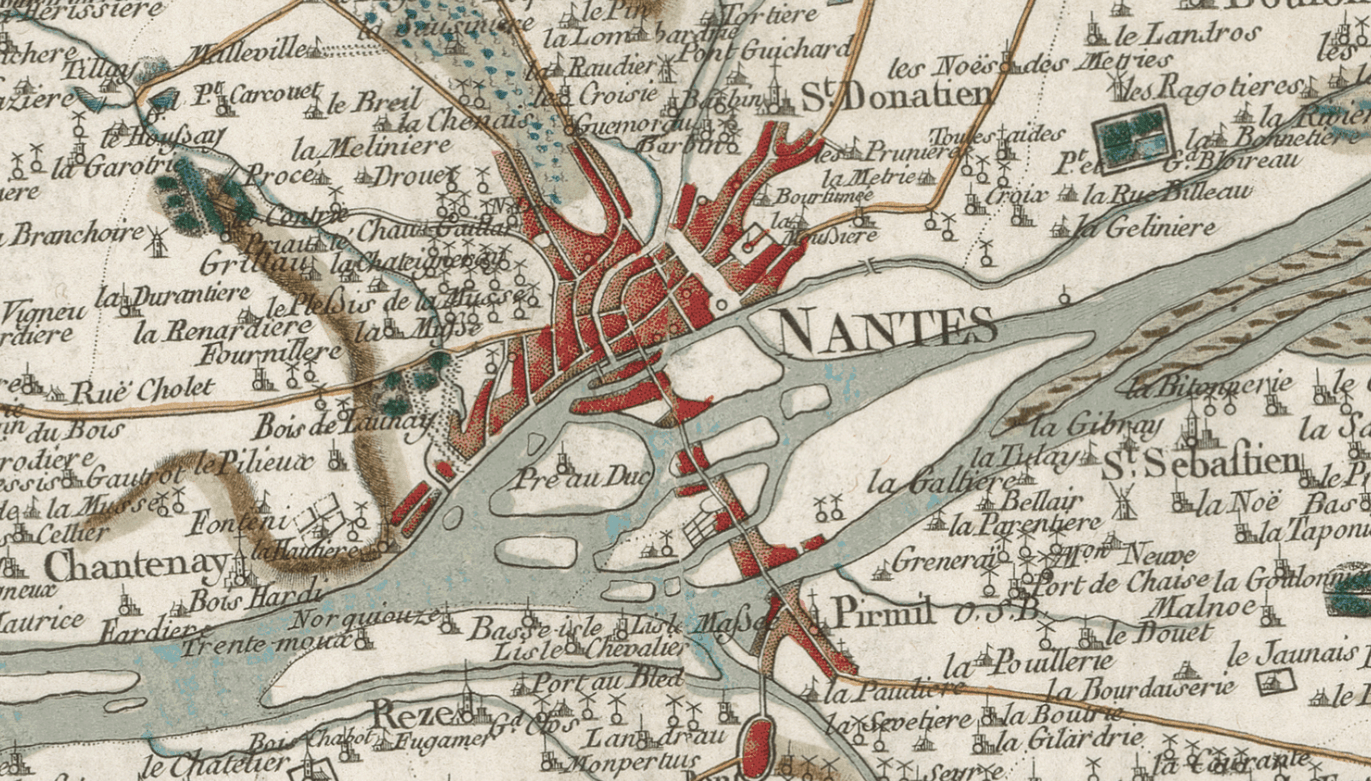
1 km
130 000 x 130 000 pixels
17 000 Mpix ~ 50 GB
Screen
32 000 x 32 000 pixels
1 000 Mpix ~ 3 GB
IGN map
2011 - 2025
1 200 maps at 1:25 000
38 m x 38 m
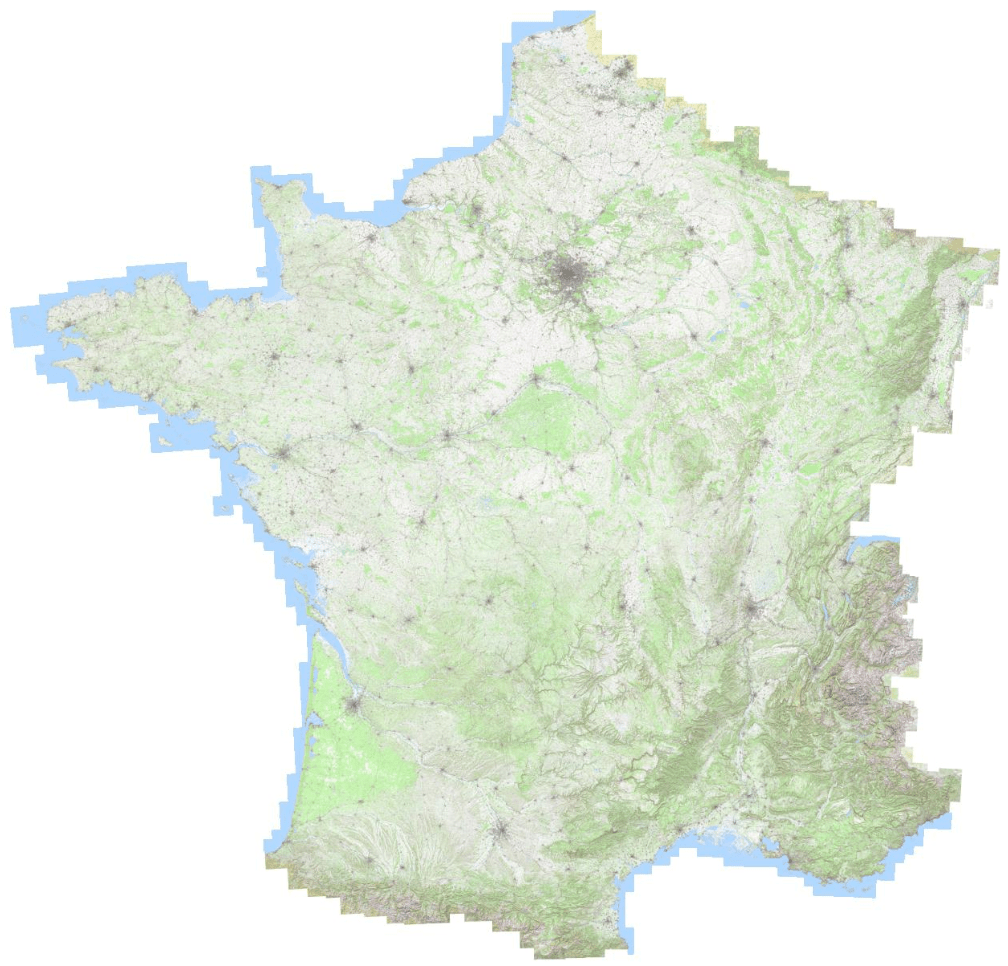
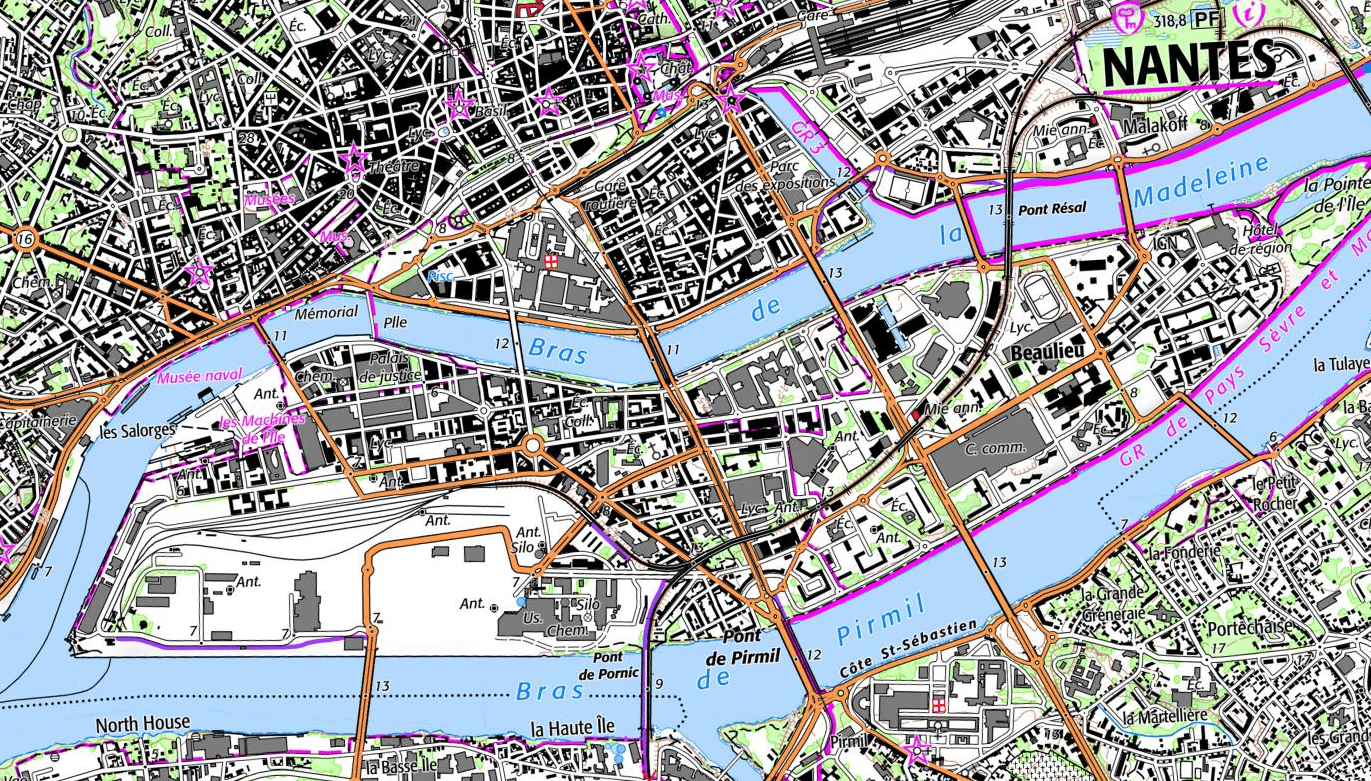
300 m
450 000 x 450 000 pixels
200 000 Mpix ~ 0.5 TB
Screen
110 000 x 110 000 pixels
12 000 Mpix ~ 33 GB
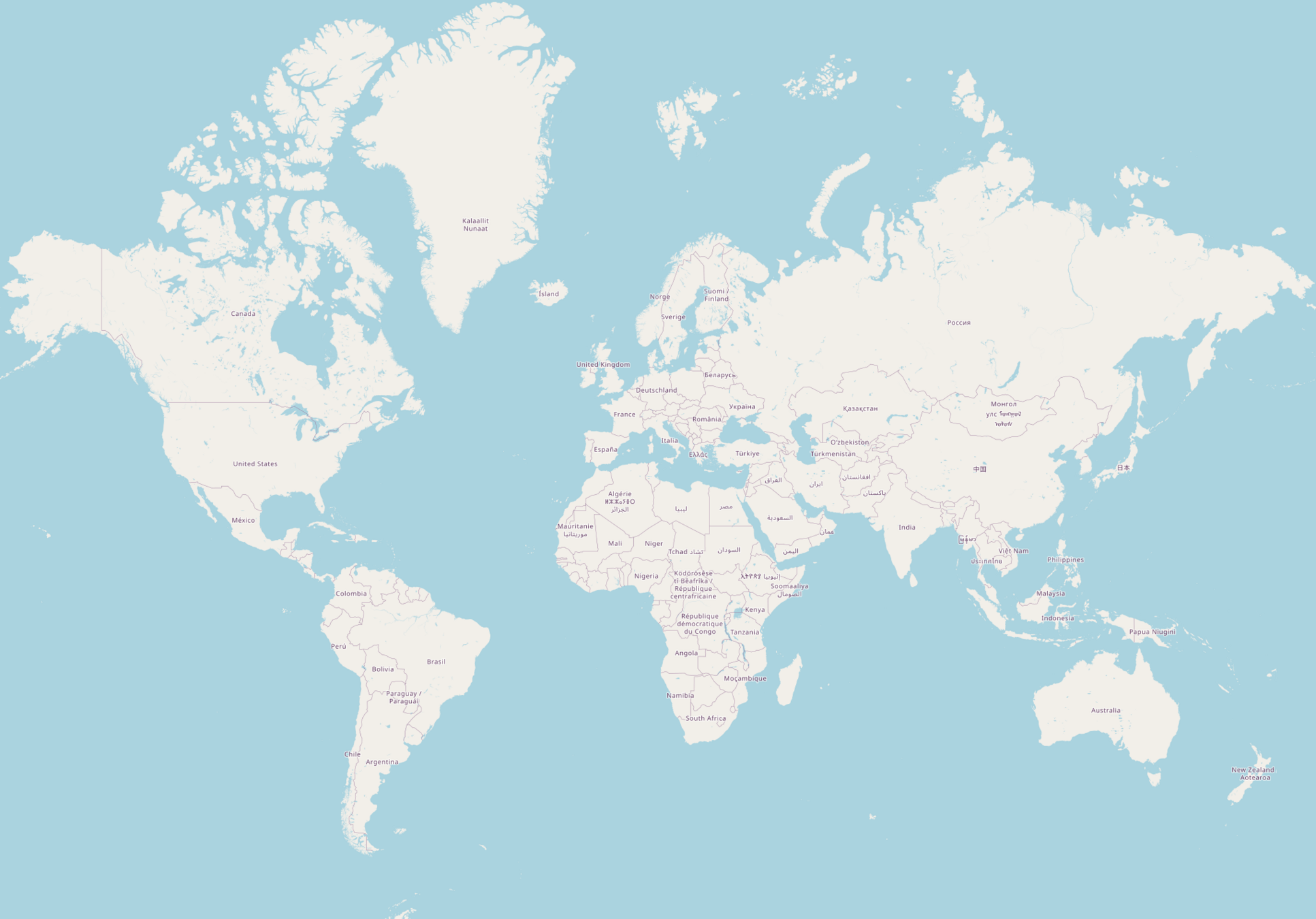
Mercator projection
Global vs. local - as of today
1:1 000
40 km x 20 km
450 000 000 x 225 000 000 pixels
100 000 000 000 Mpix ~ 300 PB
Screen
110 000 000 x 55 000 000 pixels
6 000 000 000 Mpix ~ 18 PB
4 000 kmOpen Street Map
Level 0
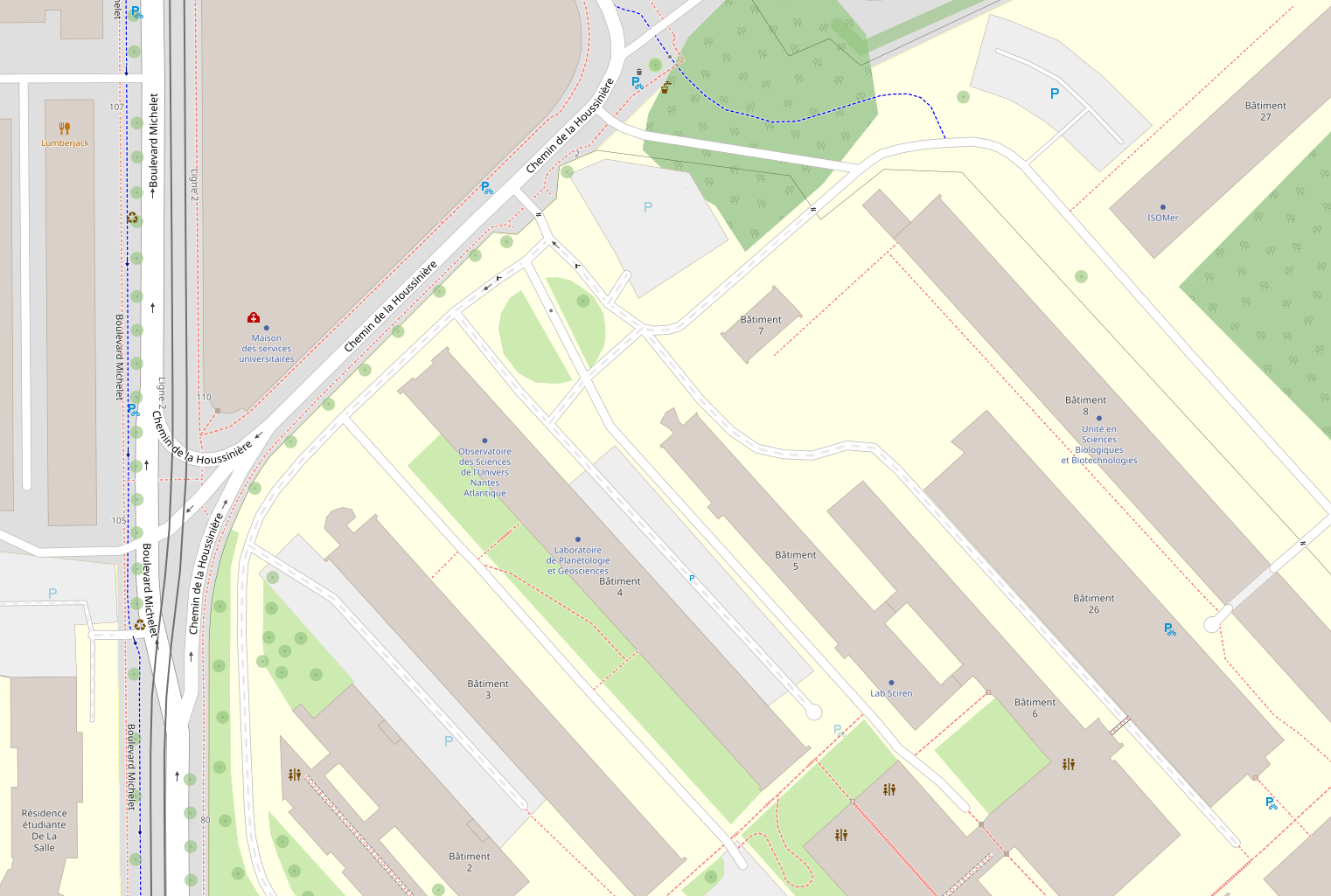
Nantes
10 mOpen Street Map
Level 19
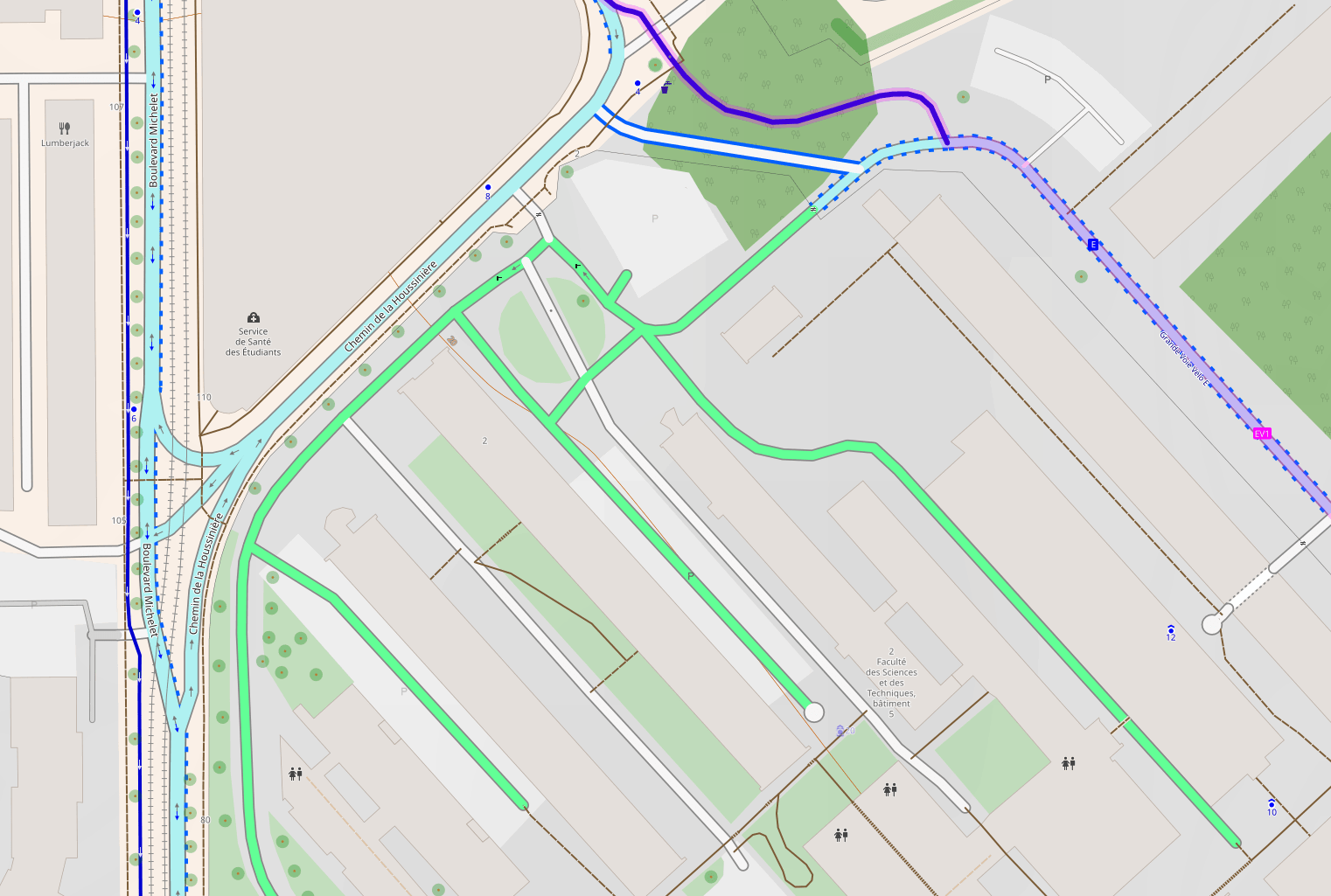
1:1 000
40 km x 20 km
450 000 000 x 225 000 000 pixels
100 000 000 000 Mpix ~ 300 PB
Screen
110 000 000 x 55 000 000 pixels
6 000 000 000 Mpix ~ 18 PB
Global vs. local - as of today
How to store it?
🗺️ 🤔
and…
how to do this!
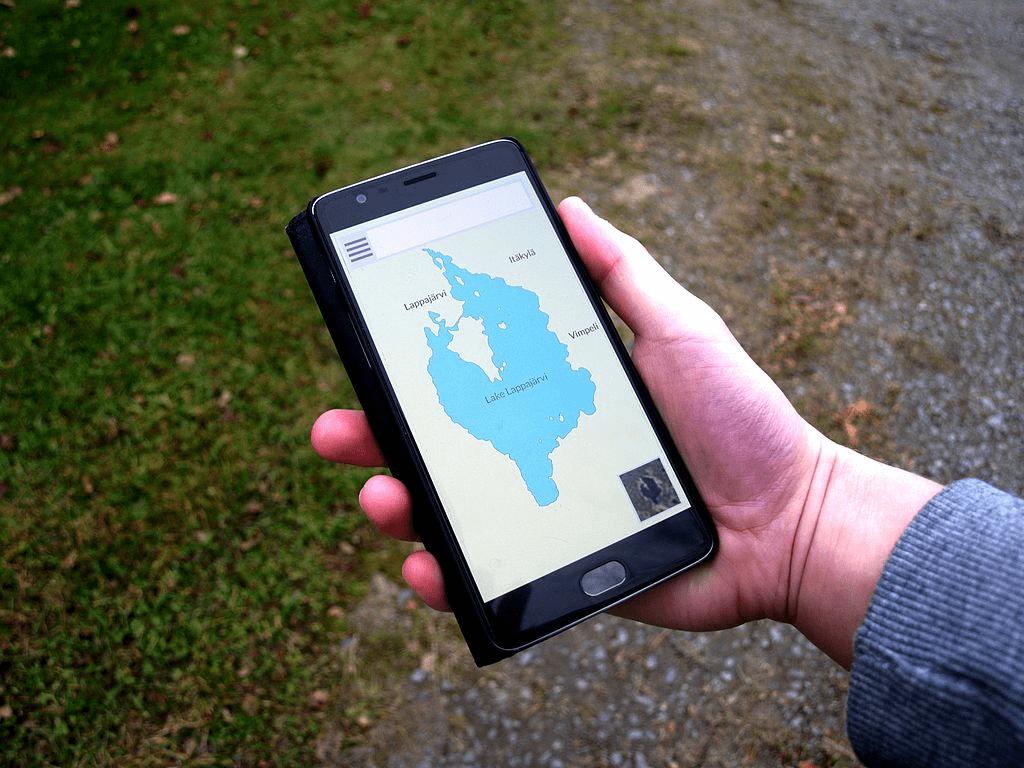
Wikipedia / S. ViinamäkiBuilding different maps at different scales
IGN / Géoportail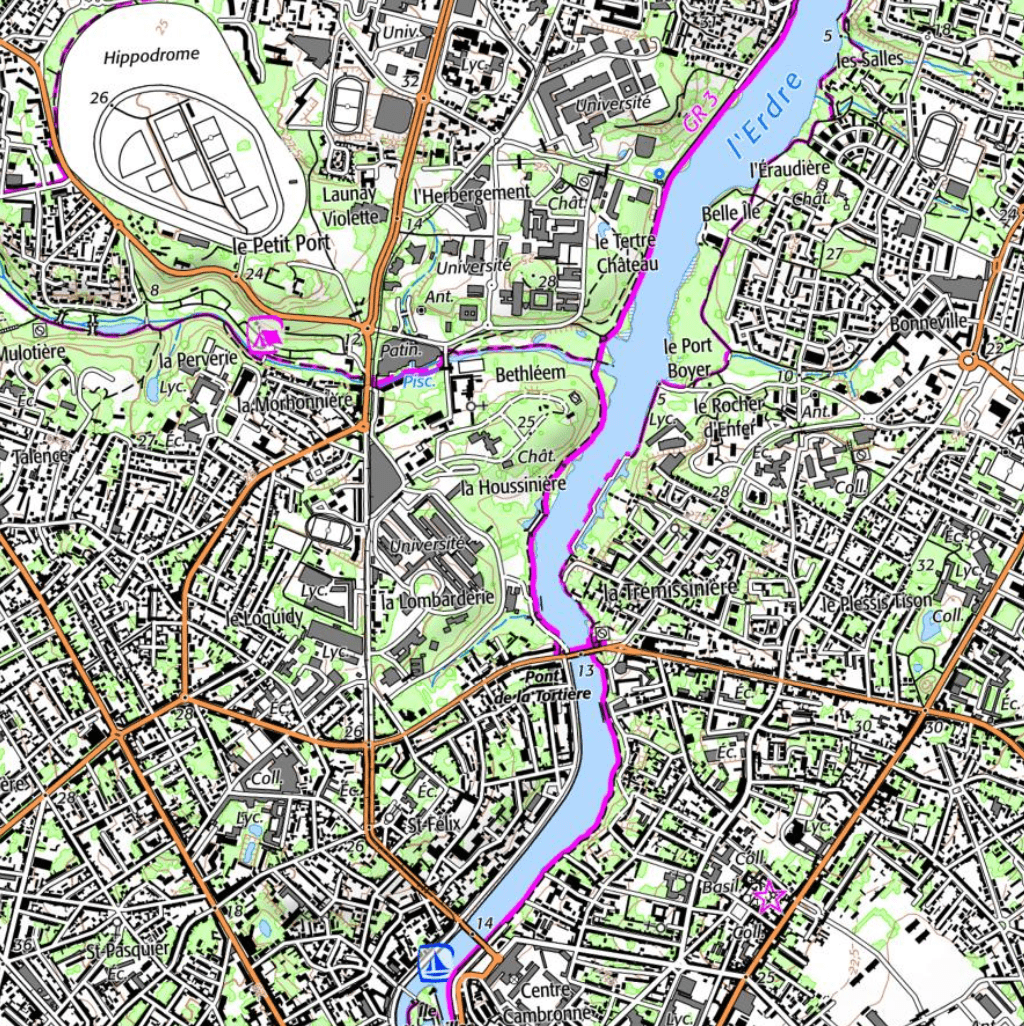
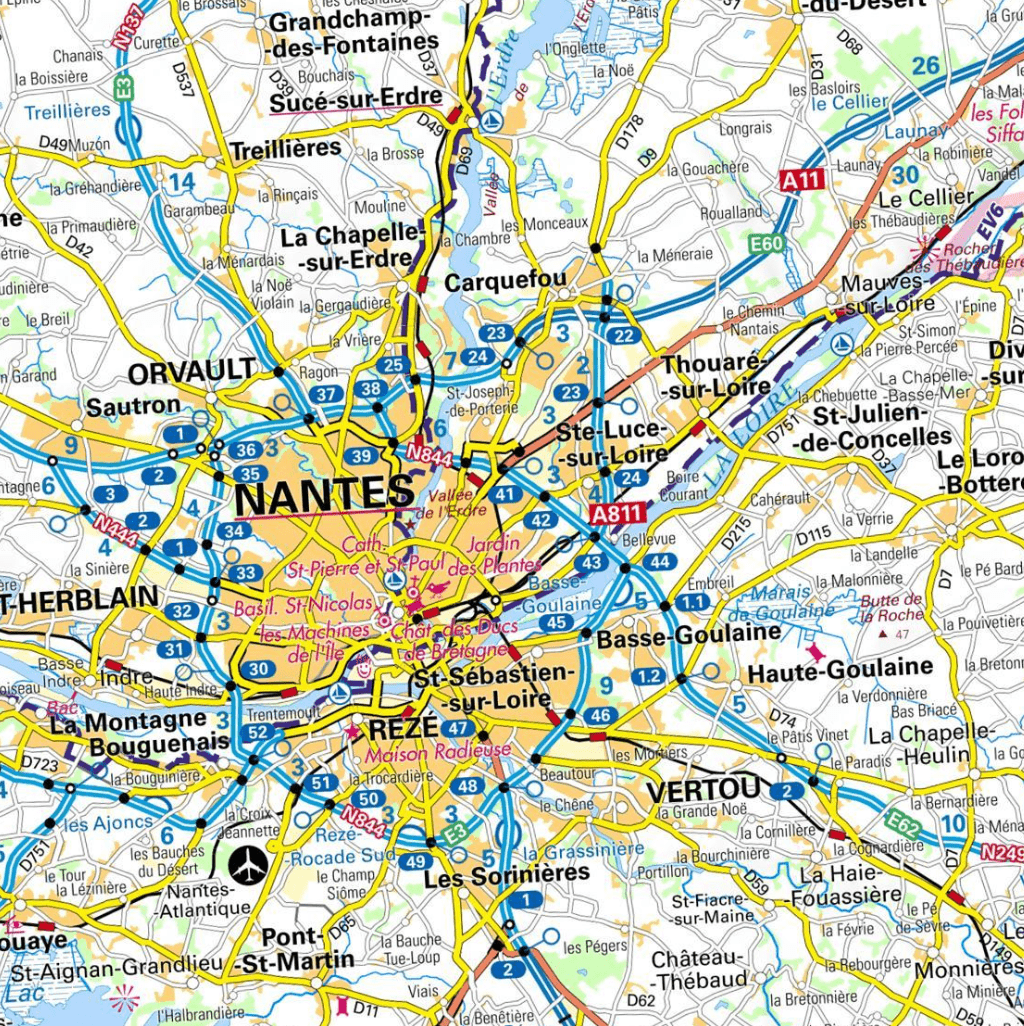
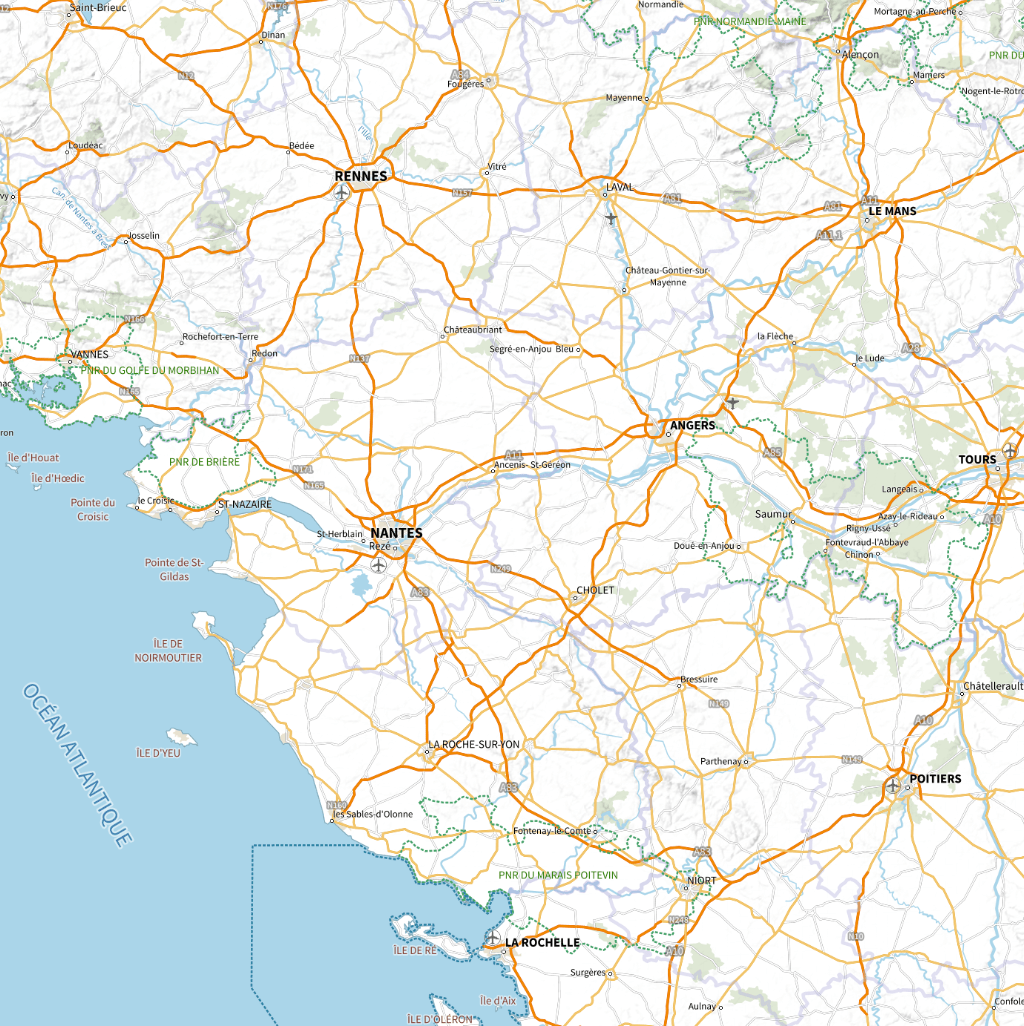
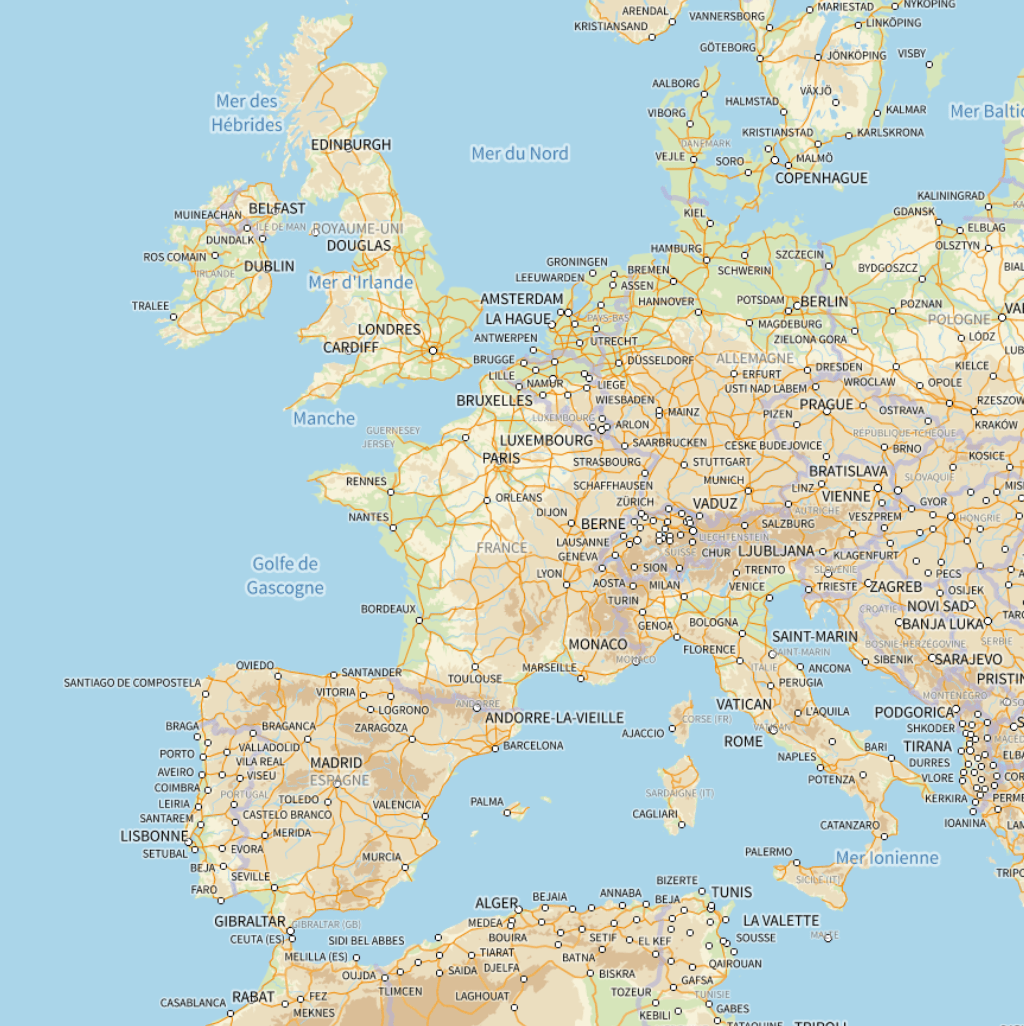
1 : 10,000
1 : 100,000
1 : 1,000,000
1 : 10,000,000
1 cm = 100 km
1 cm = 10 km
1 cm = 1 km
1 cm = 100 m
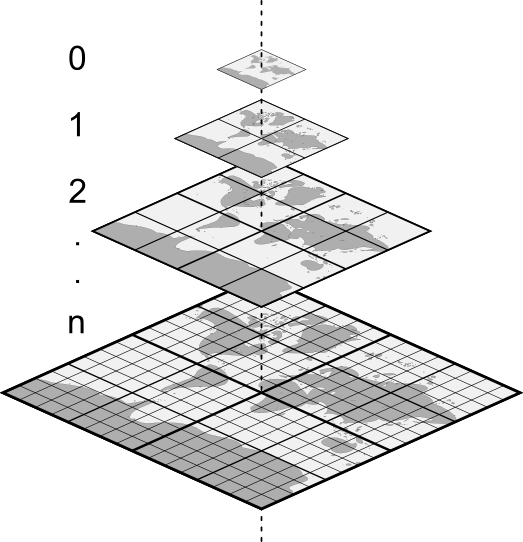
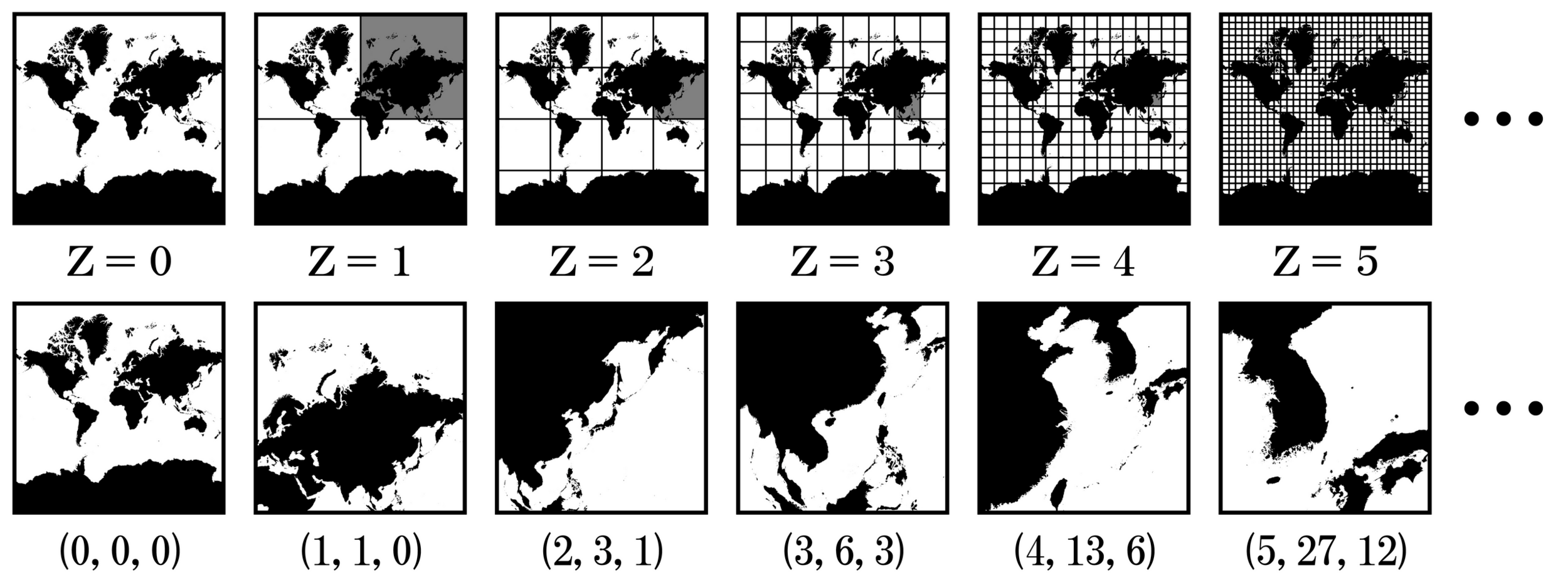
Slice the map
in tiles
Tile size:
Number of tiles:
Tiles indexing:
/Z/X/Y.[jpg|png]
N(Z) = 22 x Z
256 x 256 pixels
Z=
Z=
Z=
Z=
N=1
N=4
N=16
N=22n
200 ko
WMTS (Web Map Tile Service)
Client side
1 x 256 x 256 pix
200 ko
Server side
256 x 256 pix
200 ko
256 x 256 pix
200 ko256 x 256 pix
200 ko256 x 256 pix
200 ko256 x 256 pix
200 ko256 x 256 pix
200 ko1.2 Mo
0.5%4 x 256 x 256 pix
800 ko16 x 256 x 256 pix
3.2 Mo64 x 256 x 256 pix
13 Mo256 x 256 x 256 pix
51 Mo1024 x 256 x 256 pix324 Mo +26 %
256 Mo(Z, X, Y)(0, 0)
(0, 1)
(1, 0)
(1, 1)
(0, 0)
(0, 1)
(0, 2)
(0, 3)
(1, 0)
(1, 1)
(1, 2)
(1, 3)
(2, 0)
(2, 1)
(2, 2)
(2, 3)
(3, 0)
(3, 1)
(3, 2)
(3, 3)
<!DOCTYPE html>
<html lang="en">
<head>
    <meta charset="UTF-8">
    <meta name="viewport" content="width=device-width, initial-scale=1.0">
    <title>Map tiles demo</title>
     <link rel="stylesheet" href="https://unpkg.com/leaflet@1.9.4/dist/leaflet.css"/>
</head>
<body>
    <div id="map" style="height: 800px"></div>
    <script src="https://unpkg.com/leaflet@1.9.4/dist/leaflet.js"></script>
    <script>
        const map = L.map('map').setView([47.2386, -1.5554], 0);

        const tiles = L.tileLayer('https://tile.openstreetmap.org/{z}/{x}/{y}.png', {
            maxZoom: 19,
            attribution: '© <a href="http://www.openstreetmap.org/copyright">OpenStreetMap</a>'
        }).addTo(map);
    </script>
  </body>
</html>
How to use tiles on the web?
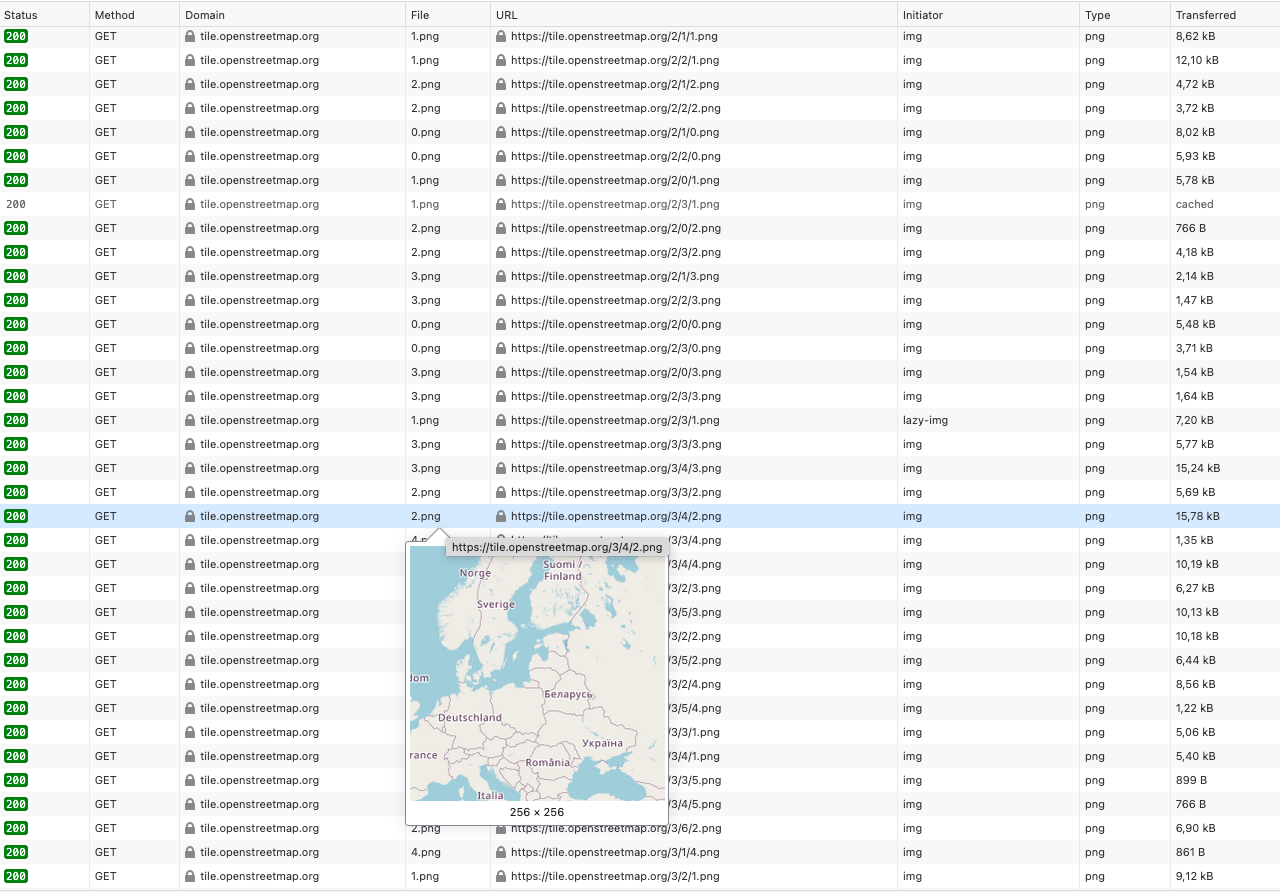
Looking into the network traffic
🔎
0 → 19
= 3 MB
≠ 18 PB
Mapping tiles providers









Apple Maps
Open Street Map









<!DOCTYPE html>
<html lang="en">
<head>
    <meta charset="UTF-8">
    <meta name="viewport" content="width=device-width, initial-scale=1.0">
    <title>Map tiles demo</title>
     <link rel="stylesheet" href="https://unpkg.com/leaflet@1.9.4/dist/leaflet.css"/>
</head>
<body>
    <div id="map" style="height: 800px"></div>
    <script src="https://unpkg.com/leaflet@1.9.4/dist/leaflet.js"></script>
    <script>
        const map = L.map('map', {crs: L.CRS.EPSG4326}).setView([-4.8099, 137.3818], 0);

        const tiles = L.tileLayer('https://maps.obs-nantes.fr/wmts/mars/tianwen-1/{z}/{x}/{y}.jpg', {
            maxZoom: 10,
            attribution: '🌍 <a href="https://maps.obs-nantes.fr">Osuna</a> | 🇨🇳 <a href="https://clpds.bao.ac.cn/mall/MarsDATA">Tianwen-1</a>'
        }).addTo(map);
    </script>
  </body>
</html>
Changing the tiles provider
Use the tiles in a GIS software 🔨
<!DOCTYPE connections>
<qgsXYZTilesConnections version="1.0">
    <xyztiles
        name="Osuna | Mars | Tianwen 1"
        url="https://maps.obs-nantes.fr/wmts/mars/tianwen-1/{z}/{x}/{y}.jpg"
        zmin="0"
        zmax="10"
    />
</qgsXYZTilesConnections>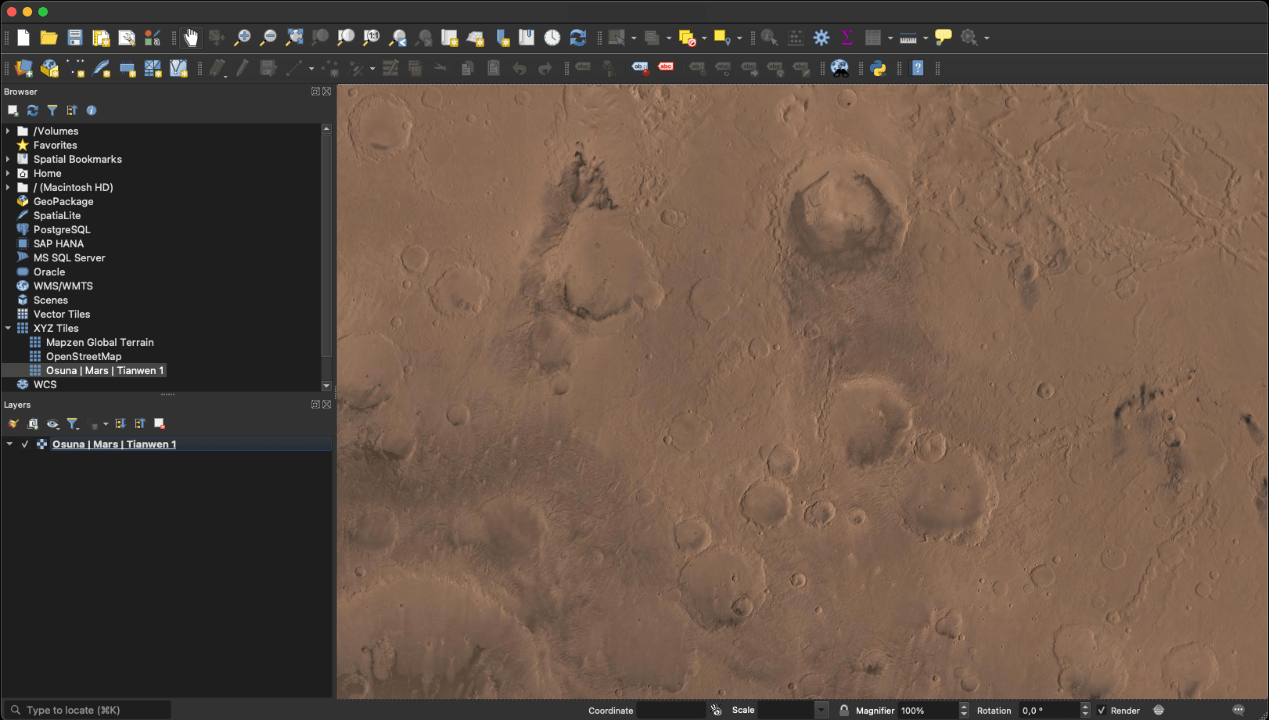
Render the tiles in 3D
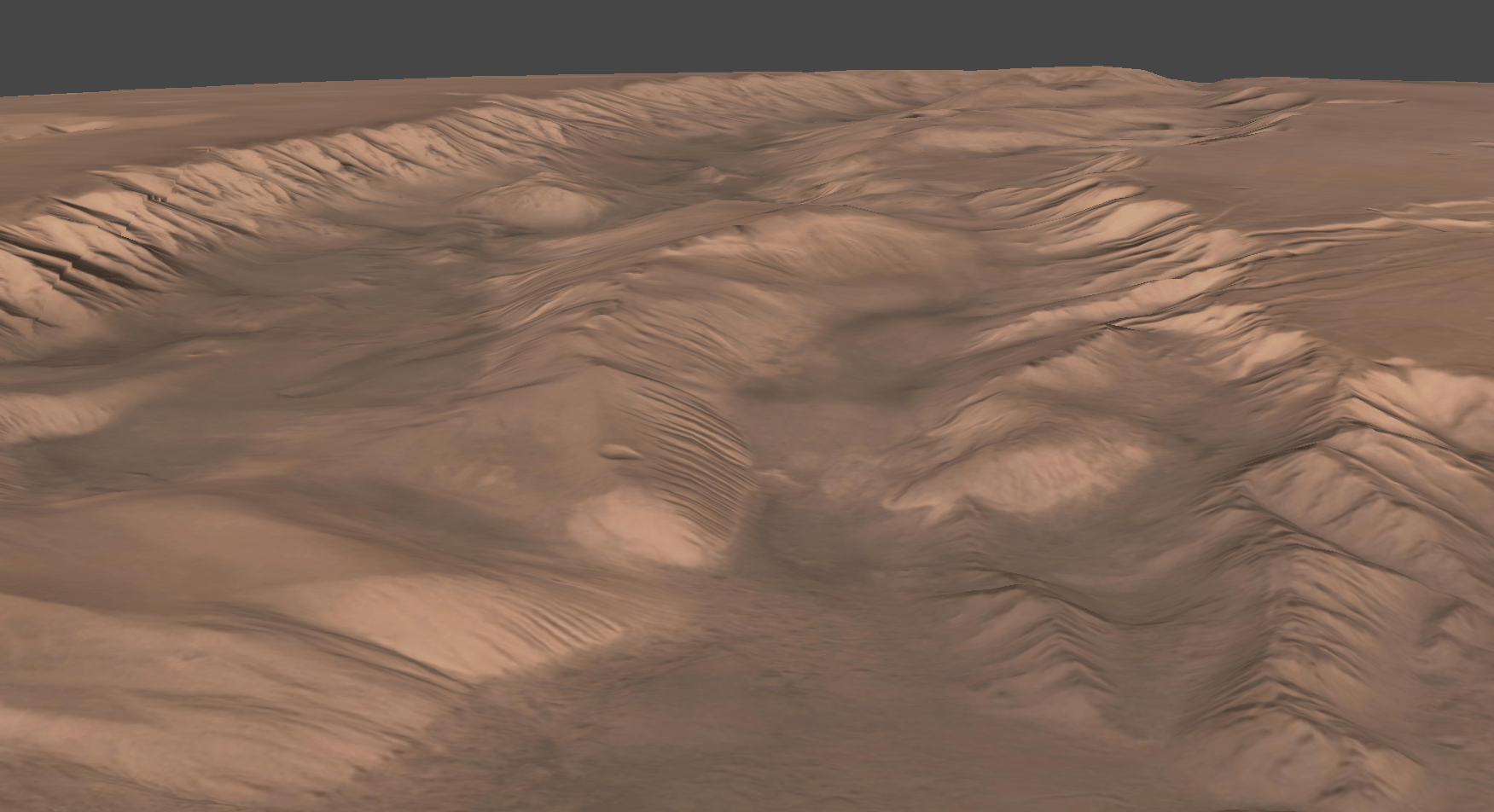
Made by Simeon Schmauß in metashape
Interactive globe
Add temporal layers ⏳
/{t}/{z}/{x}/{y}.fmt2025
2002
1943
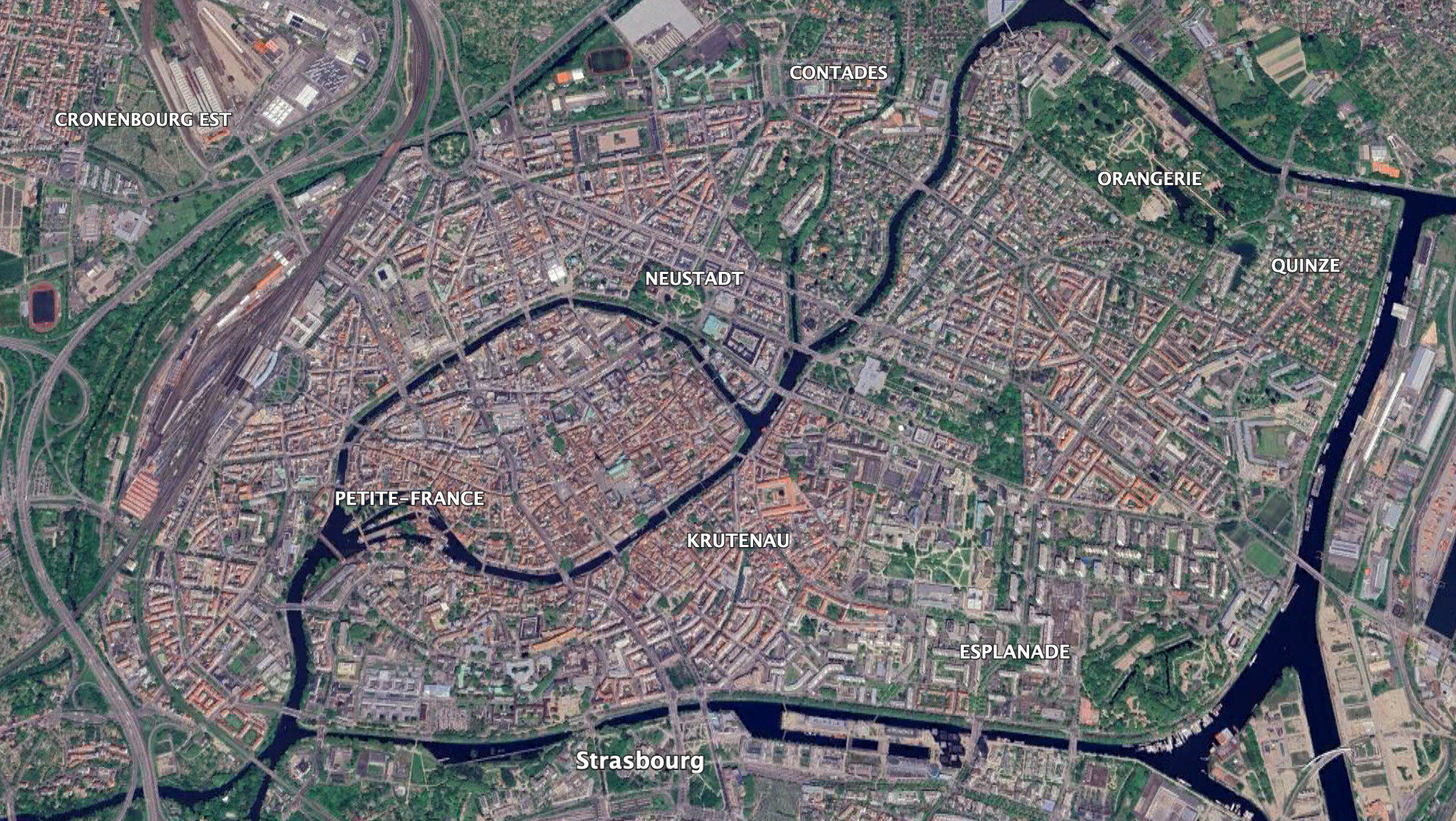
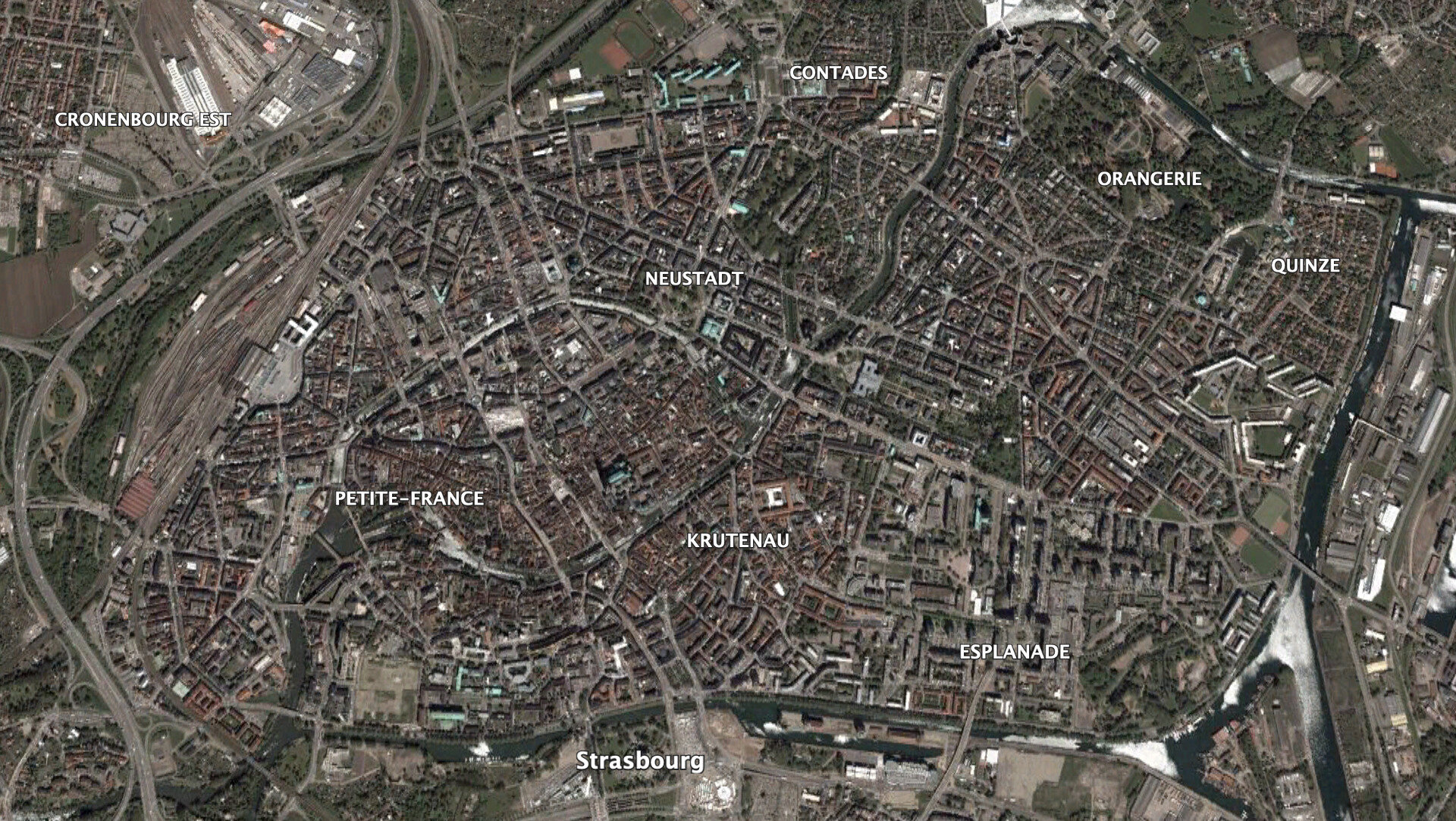
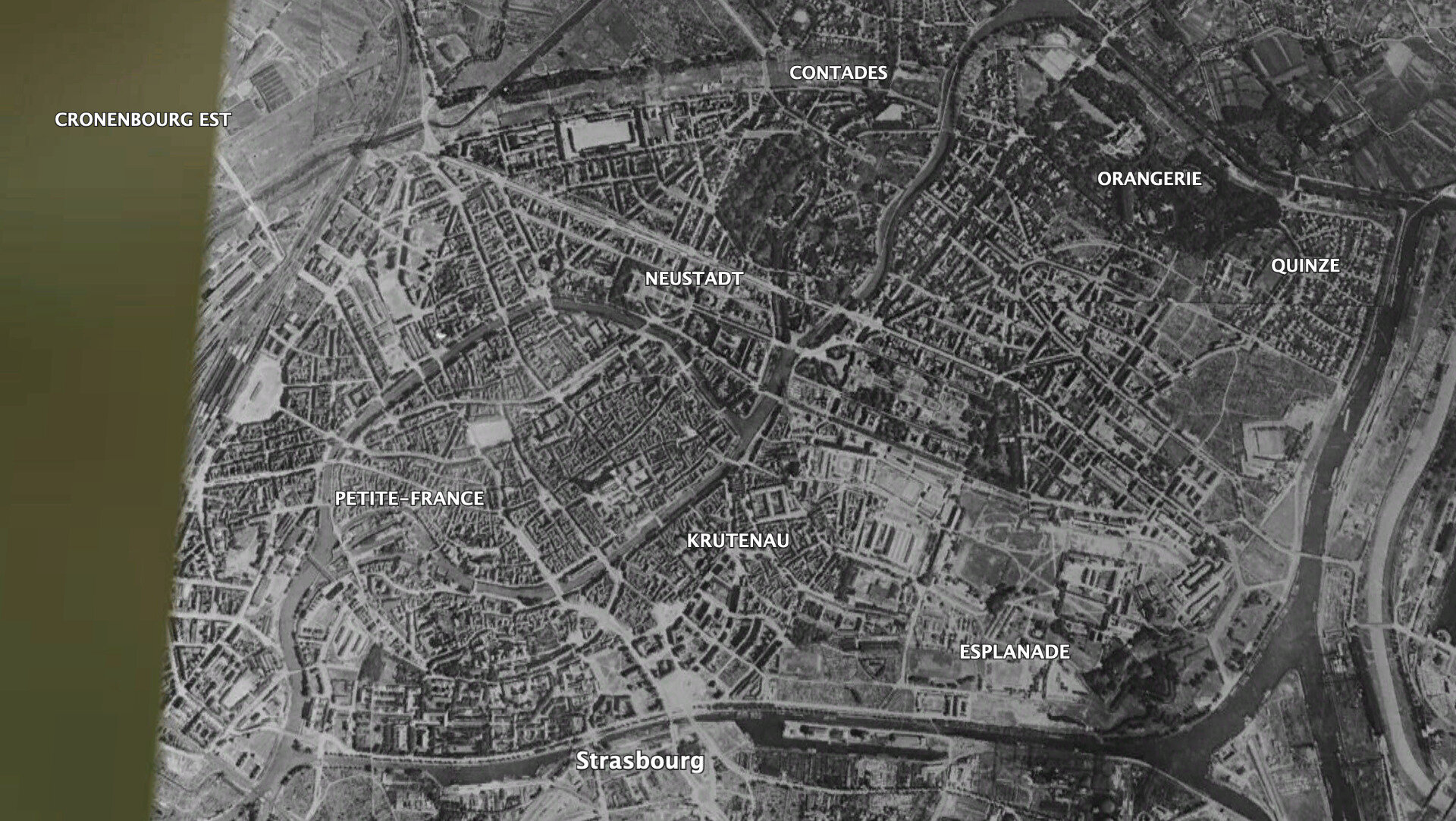
Strasbourg
Google Earth
Add multi/hyper-spectral 🌈
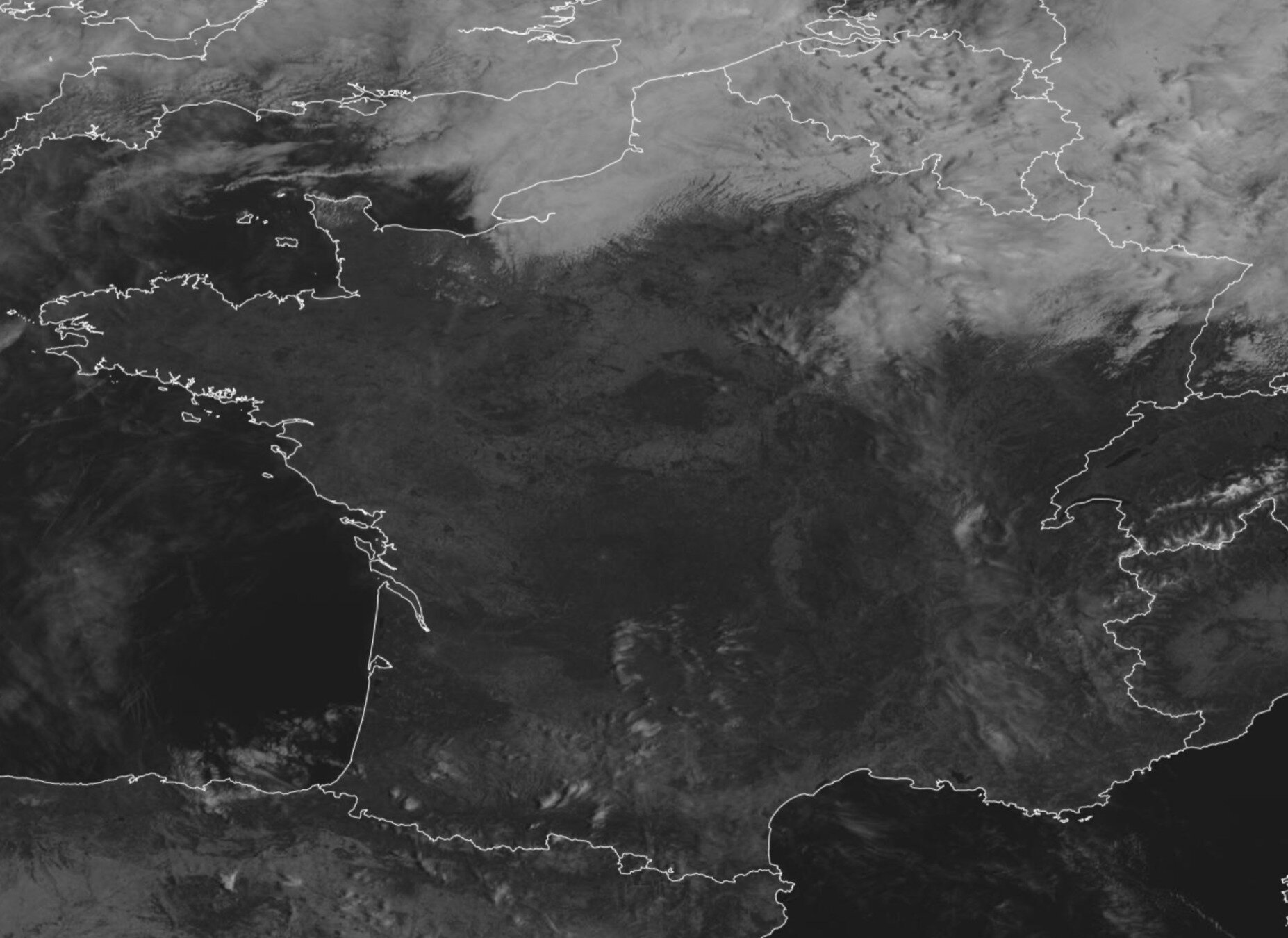
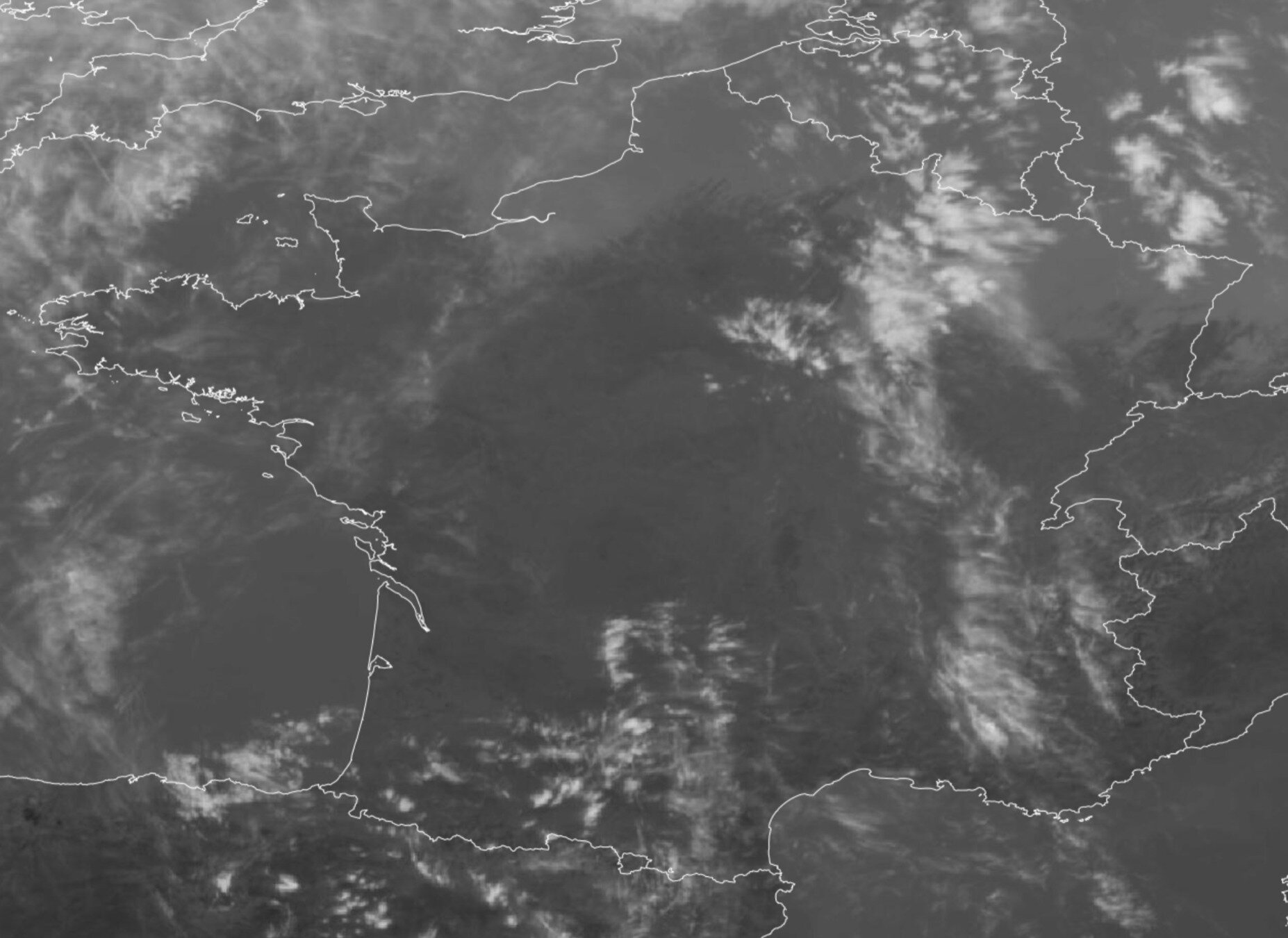
Eumetsat
Meteosat FCI/{w}/{z}/{x}/{y}.fmt0.6 µm
10.5 µm
But…
there is a little catch 🫢
N=22z
💥
Tiling may not be the best strategy…
| Level | # tiles | Pixel size | ~ Scale | Coverage | # folder / files | Size | Serveur |
|---|---|---|---|---|---|---|---|
| 0 | 1 | 160 km | 1:500 000 000 | Global | 1 / 1 / 1 | 200 kB | 😅 |
| 1 |
4 | 80 km | 1:250 000 000 | 2 / 2 / 2 | 0.8 MB | 🌈 | |
| 2 | 16 | 40 km | 1:150 000 000 | Continent | 3 / 4 / 4 | 3.2 MB | 🦄 |
| 3 | 64 | 20 km | 1:70 000 000 | 4 / 8 / 8 | 12 MB | ✨ | |
| 4 | 256 | 10 km | 1:35 000 000 | 4 / 16 / 16 | 50 MB | 🤘 | |
| 5 | 1 024 | 5 km | 1:15 000 000 | Country | 5 / 32 / 32 | 200 MB | 👋 |
| 6 | 4 096 | 2.5 km | 1:8 000 000 | 6 / 64 / 64 | 0.8 GB | 🤙 | |
| 7 | 16 384 | 1.2 km | 1:4 000 000 | 7 / 128 / 128 | 3.2 GB | 👌 | |
| 8 | 65 536 | 600 m | 1:2 000 000 | 8 / 256 / 256 | 12 GB | ✌️ | |
| 9 | 262 144 | 300 m | 1:1 000 000 | 9 / 512 / 512 | 50 GB | 👊 | |
| 10 | 1 048 576 | 150 m | 1:500 000 | Megapoles | 10 / 1024 / 1024 | 200 GB | 💪 |
| 11 | 4 194 304 | 75 m | 1:250 000 | City | 11 / 2 048 / 2 048 | 0.8 TB | 🏋️ |
| ... | ... | ... | ... | ... | ... | ... | |
| 15 | 1 073 741 824 | 5 m | 1:15 000 | Road | 15 / 32 768 / 32 768 | 200 TB | 💣 |
| 16 | 4 294 967 296 | 2.5 m | 1:8 000 | 16 / 65 536 / 65 536 | 0.8 PB | 💥 | |
| 17 | 17 179 869 184 | 1.2 m | 1:4 000 | Address | 17 / 131 072 / 131 072 | 3.2 PB | 🔥 |
| 18 | 68 719 476 736 | 60 cm | 1:2 000 | 18 / 262 144 / 262 144 | 12 PB | 😵 | |
| 19 | 274 877 906 944 | 30 cm | 1:1 000 | Ped. crossing | 19 / 524 288 / 524 288 | 50 PB | 💀 |
256 x 256 pixels
200 ko
Impossible to store high resolution maps
in a file storage…
you need an object stockage!
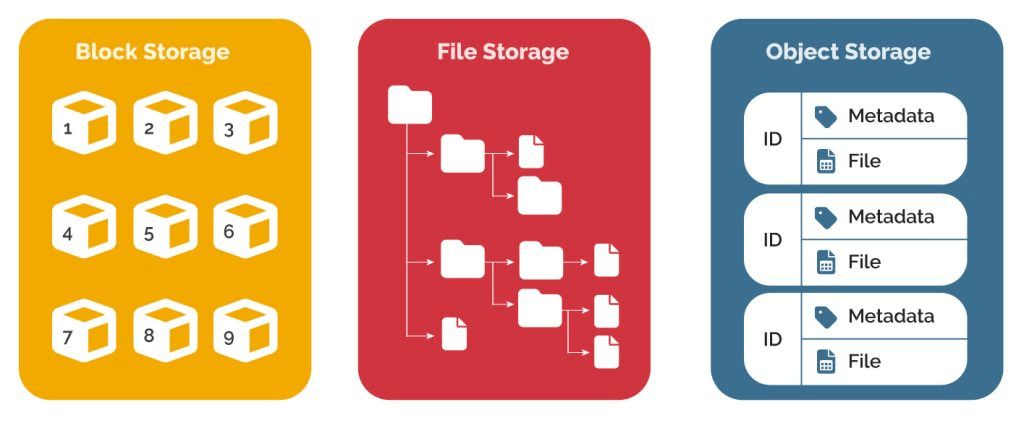
Object stockage you said? 🧐
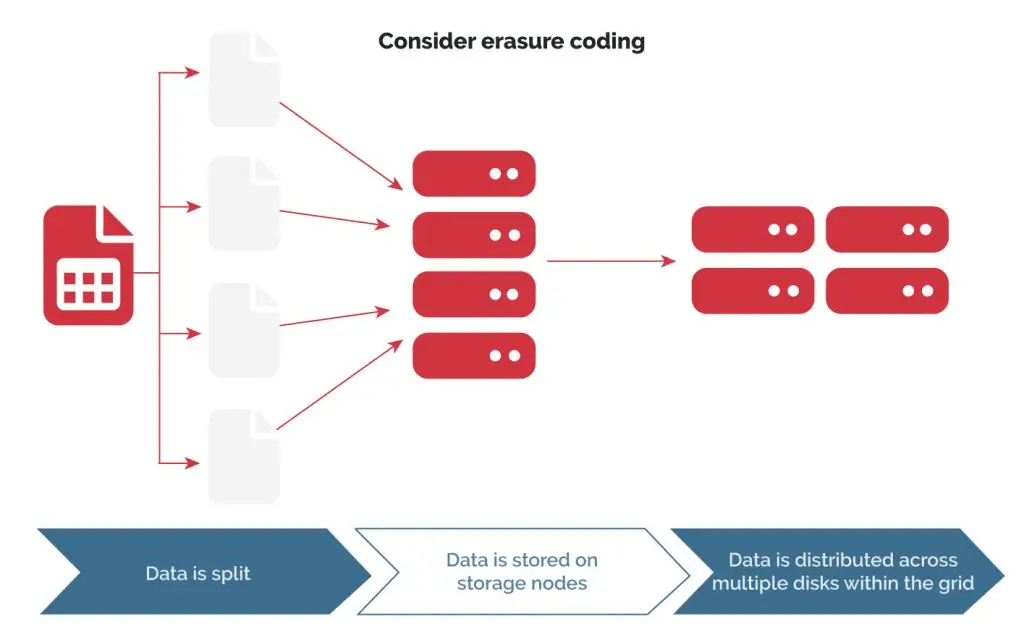
What's the advantage of object storage 🪣
Very large individual file size (> 1TB)
Unlimited number of files (even very small ones)
No limits on folder / files
Web natif (gateway)
Static storage (you don't need an active server)
Object key : {z}/{x}/{y}.fmt
Requests parallelism: high performance
Use as a CDN: replication / sync / high availability / region specific
Very low cost: ~100€/TB/yr (⚠️ egress-cost 💸)
Object storage providers








Can we do better?
💪
Cloud Optimized GeoTiff ☁️
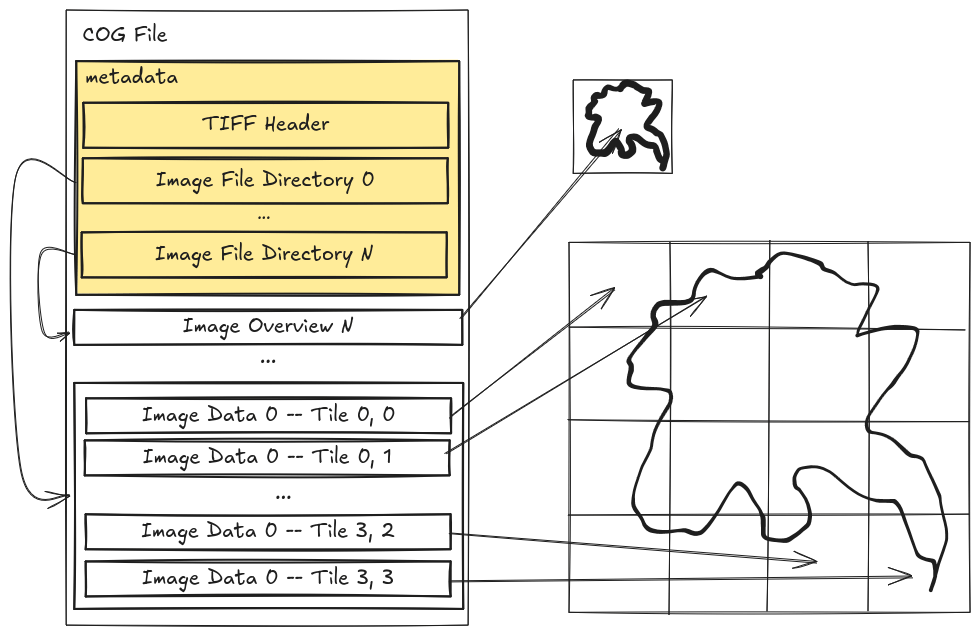
/{z}/{x}/{y}.tiff 👉 /cog.tiff
Cloud Optimized GeoTiff ☁️
/{z}/{x}/{y}.tiff 👉 /cog.tiff +🙋 HTTP range requests
$ curl -r 128 https://example.org/cog.tiffStart : 256 Length : 256
Nb tiles : 1
Start : 1024
Length : 256
Nb tiles : 16
Cloud Optimized GeoTiff ☁️
/{z}/{x}/{y}.tiff 👉 /cog.tiff +🙋 HTTP range requests
$ curl -r 256-512 https://example.org/cog.tiffStart : 256 Length : 256
Cloud Optimized GeoTiff ☁️
/{z}/{x}/{y}.tiff 👉 /cog.tiff +🙋 HTTP range requests
$ curl -r 1024-5120 https://example.org/cog.tiffStart : 1024 Length : 16 * 256 = 4096
Cloud Optimized GeoTiff ☁️
/{z}/{x}/{y}.tiff 👉 /cog.tiff +🙋 HTTP range requests
$ curl -r 1280-1536 https://example.org/cog.tiffStart : 1024 Length : 1 * 256 = 256
Offset : 1 * 256 = 256
Cloud native database 📍
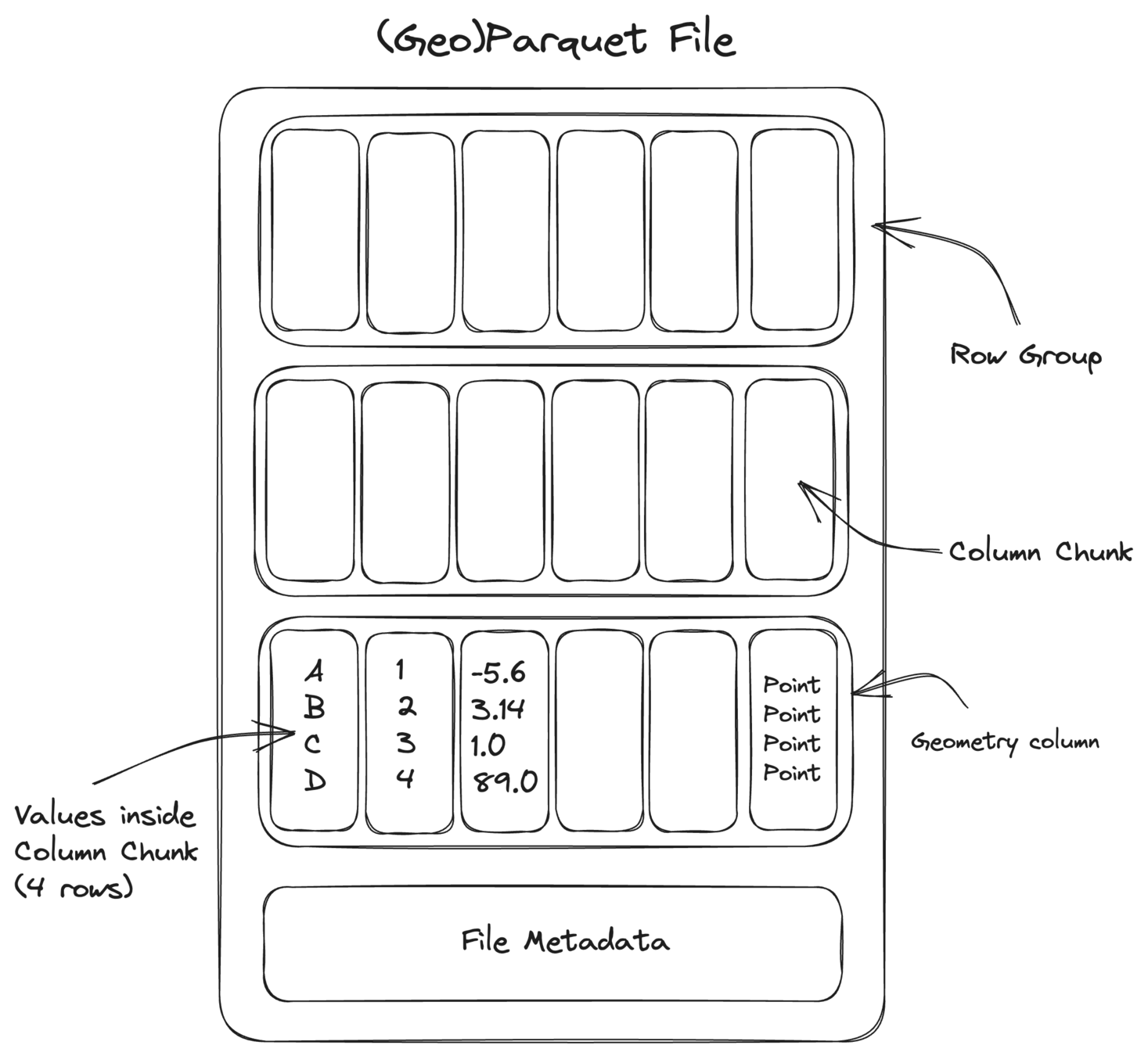


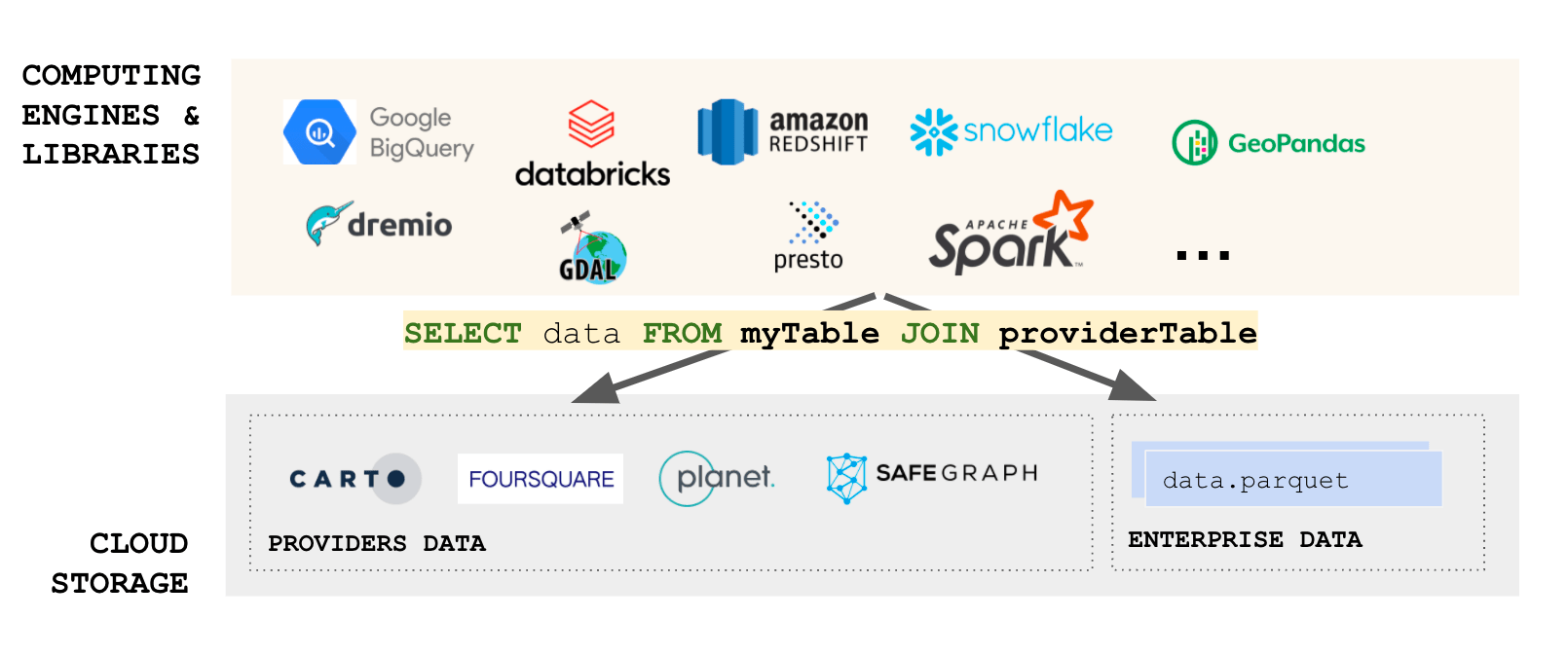
Cloud native database 📍
ATTACH 's3://example.org/stations.duckdb' AS stations_db;

SELECT count(*) AS num_stations FROM stations_db.stations;| num_stations |
|---|
| 578 |
| ID_PARCEL | geometry |
|---|---|
| 123563 | POLYGON ((3.33896 49.84122, 3.33948 49.8... |
| 5527076 | POLYGON ((-1.44483 49.61280, -1.44467 49... |
| 11479241 | POLYGON ((2.87821 46.53674, 2.87820 46.5... |
| ... | ... |
SELECT PARCEL_ID, geometry FROM stations_db.stations
	WHERE ST_Contains(ST_Point(0, 45), geometry) LIMIT 100;
Cloud native database 📍
Conclusions
- Creating global map requires a lot of storage (PB scale)
- Distribution them to the user is possible though efficient tiling
- Storage the tiles need to be hosted on object storage
- New cloud native format are required to scale
Backup
Carte du ciel ✨
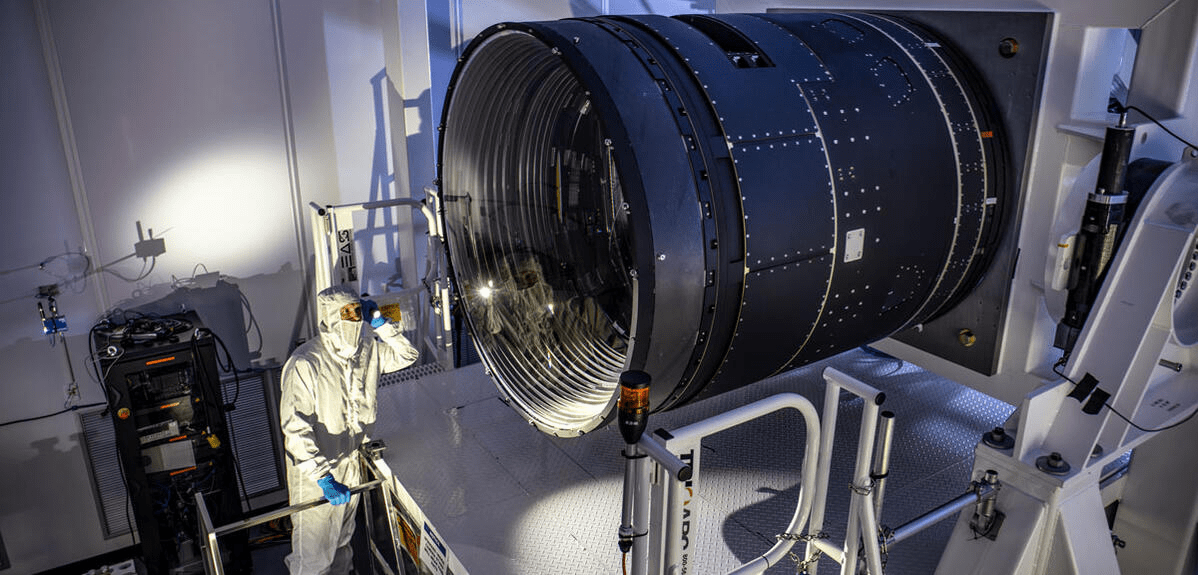
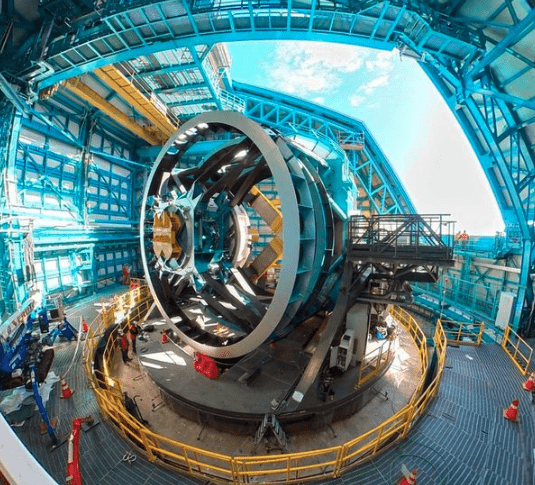
Observatoire Vera Rubin (LSST) - 2025
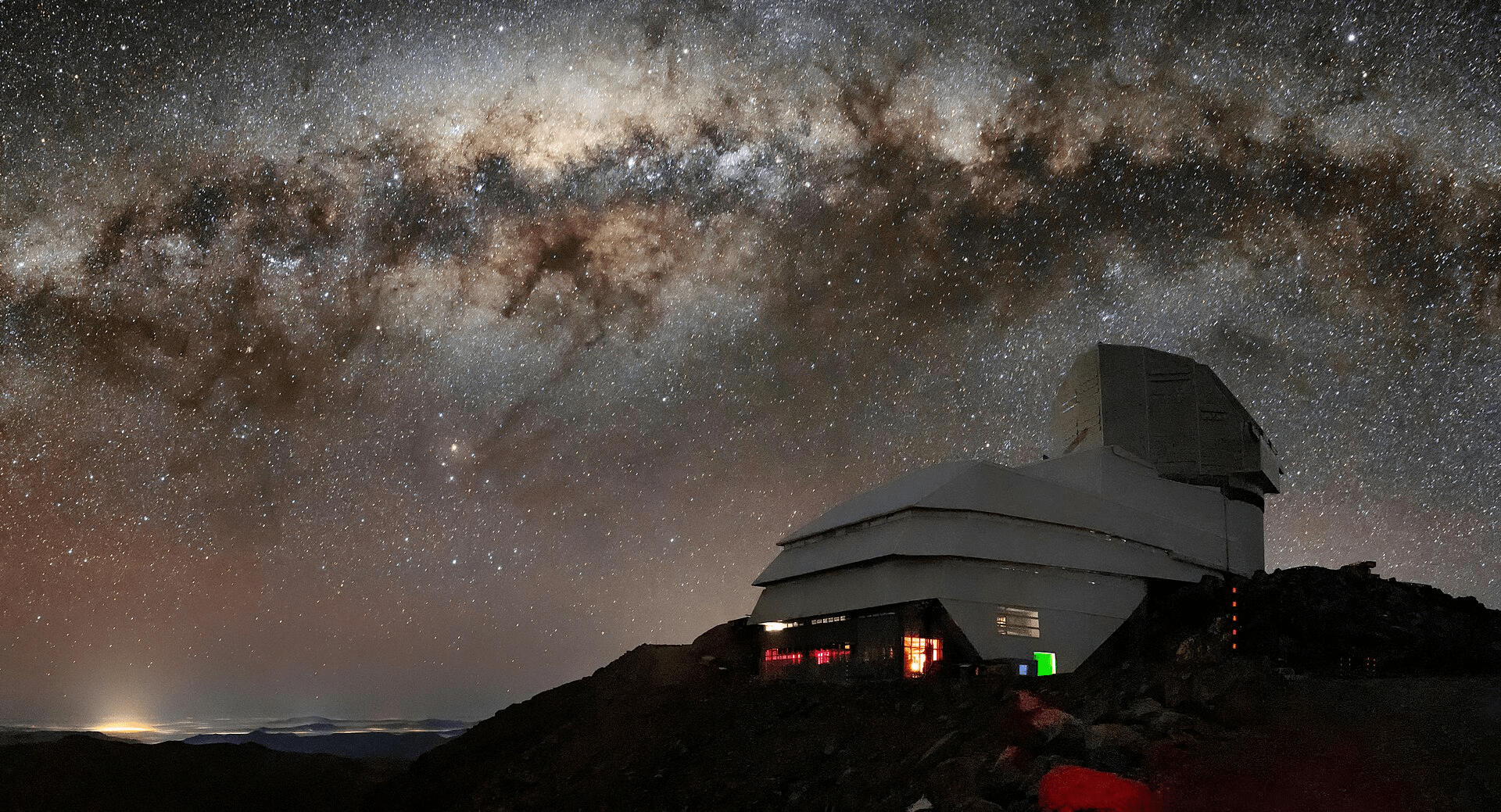
8.4 m miroir
3 200 Mpix / image
200 000 images / an
20 To / jour
~ 6 Po / an
STAC catalogue 📚
Standard Open Geospatial Consortium (OGC) pour décrire les jeux de données
Modèle numérique de Terrain (MNT) 🏔️
/{z}/{x}/{y}.fmt